
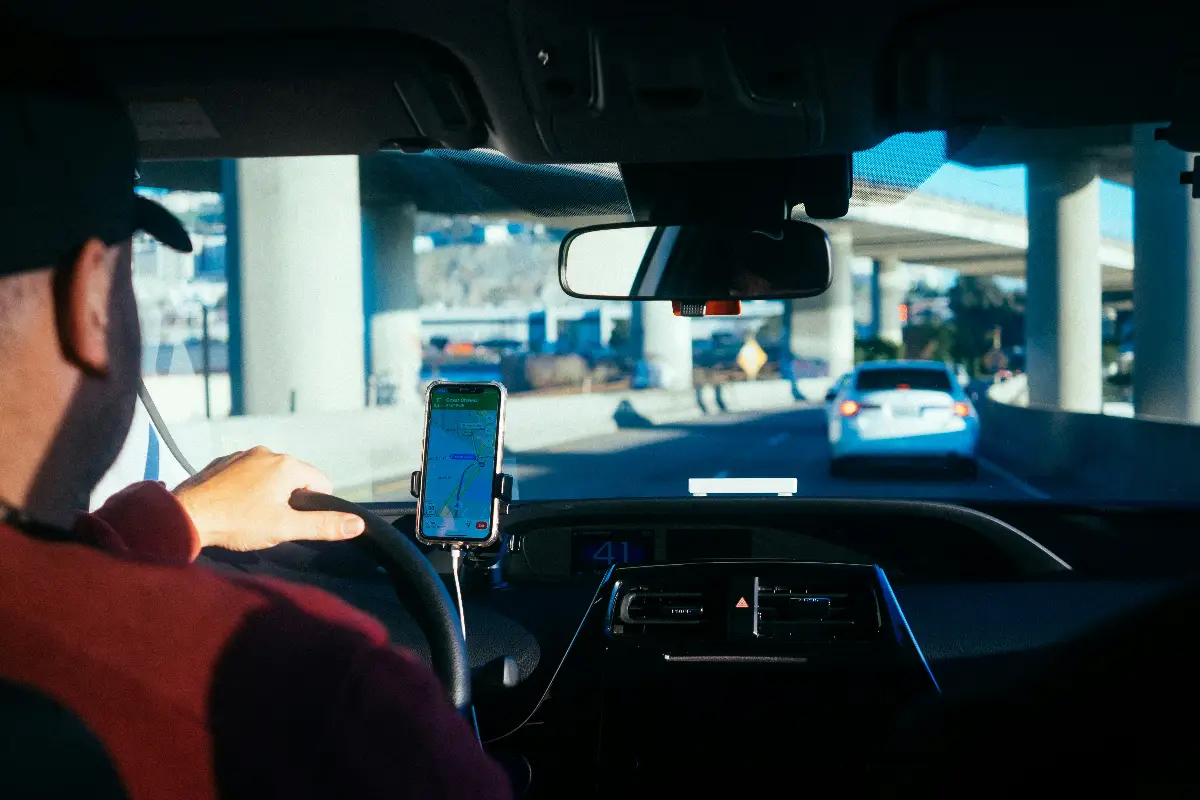
The dashcam industry has evolved, and now dashcams are equipped with AI technology. It makes them smarter, more efficient, and more productive. In order to get one, you have to make heavy investments, and it costs you more money when it comes to managing a fleet company. The Navmii AI dashcam review, free app and real features will let you know what out-of-the-box options are available without spending a single penny.
Surprisingly, it is an app for Android and iOS, available free to download on their respective app stores. All drivers carry one or two phones at a time. Here, they can install this free app on one of their phone and place it safely on their dashboard to make it a full-time AI dashcam. The smart AI features, such as forward collision alerts, speed sign recognition, real-time road analysis, and smart loop recording, make it a genuine AI dashcam experience, not just a screen recording of your drive.
What Navmii AI Dashcam Actually Is
Navmii AI Dashcam does not cost anything for Android or Apple fans. Downloading comes with no price tag. Developers brought the first version to life in 2017, and new updates still arrive, so the project likely still has a team behind it. A large community of people has already tried the app, making Navmii one of the more familiar choices in the field. The main plan does not throw you a curveball. No need to hunt for special gadgets. Grab any phone, stick it by the windshield, and let Navmii do the work. Artificial intelligence goes to work beyond basic recording, hunting for dangers as you move through traffic. Imagine software that uses whatever phone you already trust, not something that needs shipping or wires.
How It Works
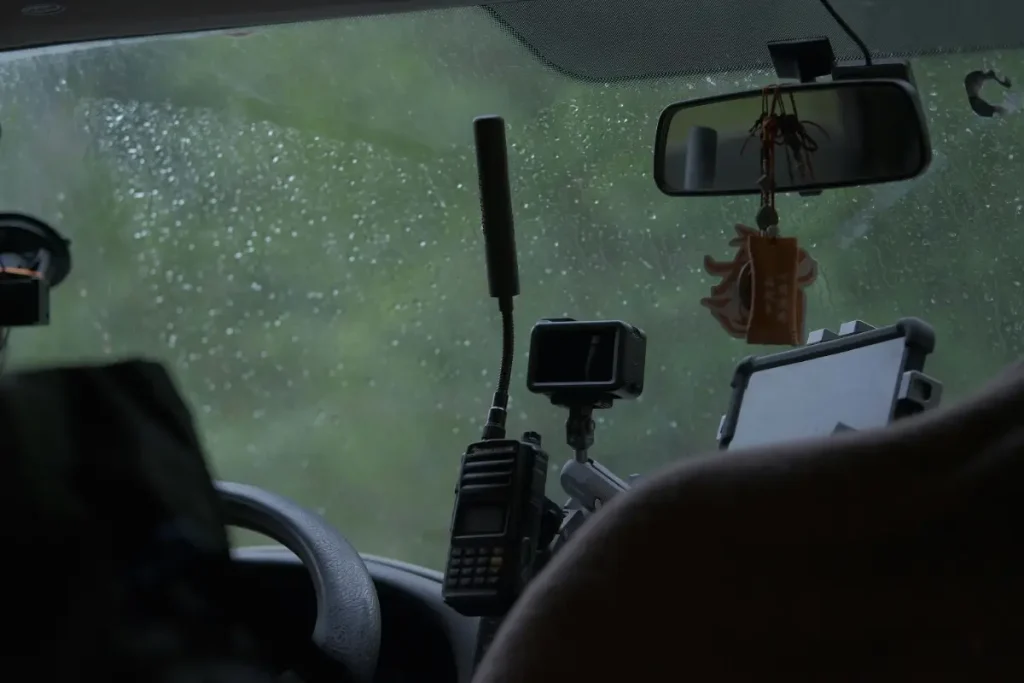
A simple process lies at the heart of Navmii. Users launch the app, rest the phone by the window, and hit start. From this point, the software takes on the job of a small production crew, always ready to capture the view ahead. Artificial intelligence sits quietly behind the scenes, checking every single frame. The steps connect smoothly to each other.
- Camera Access: The app taps into the phone’s own rear camera to film the road ahead while the device sits mounted on the windshield.
- AI Road Analysis: Onboard AI keeps scanning the footage in real time, hunting for slower vehicles and possible hazards before they become a problem.
- Local Storage: Recordings land directly on the phone rather than a distant cloud server, which keeps your footage private and under your control.
- Loop Recording: Once storage fills up, older clips get overwritten automatically, so the app keeps rolling without you deleting anything by hand.
When you put the features together, Navmii becomes a dashcam that will never ask for your money. Artificial intelligence makes the experience different from regular video apps, since Navmii tries to understand what shows up in the footage. Many people who want to compare this style to other choices may want to check out collections of dashcam apps for both Apple and Android phones. In those lists, Navmii probably stands out as a strong free choice. Anyone comparing this approach to other options can browse a roundup of the best dash cam apps for iPhone and Android, where Navmii stands out as one of the stronger free choices.
Key Features
Video recording only tells half of Navmii’s story. The developers dream bigger than a simple camera tool. Active driving tools sit right on top of the footage, ready to spot trouble before it becomes real. Users might pay attention to the highlighted features below every time they drive.
- Forward Collision Alerts: The app warns you when you approach a slower vehicle too quickly, giving you a beat to react.
- Speed Sign Recognition: Navmii reads road signs and flags the moment your speed creeps over the posted limit.
- Loop Recording: You can configure clip length, so storage never chokes and the camera never stops.
- No Ads, No Cost: The app stays fully free, with no subscription tier and no in-app purchase nagging you.
Stacking these features together, Navmii might feel more adventurous than video apps alone. Warnings for possible crashes and reminders about speed begin to push Navmii toward the tools professional drivers might use, which may be rare for something you never pay for. No ads pop up here, and that fact probably makes the ride smoother. Many free apps interrupt you with distractions, but Navmii stays focused on the drive ahead.
What It Gets Right
Few things tempt bargain hunters like zero price. Navmii’s free offering sweeps away hesitation. There is nothing to lose here except a bit of phone storage. Curious drivers may feel welcomed by the lack of risk. Many people have probably found the core app reliable, since user reviews tend to look positive. Real-time recording, for most trips, seems steady. AI warnings sound at the right moments, at least during regular daylight drives. Simplicity might be the best surprise. No hardware dashcam struggles. People skip wires, forget the headache of finding power, and ignore sticky mounts. The steps look easy:
- Download Navmii
- Put the phone in a holder
- Start recording
Setting up with just these steps may feel refreshing for anyone who feels uneasy about tools or dashboard drilling. Many drivers, especially nervous beginners, might call this a relief. Only an app, no tools or special help needed.
Where It Falls Short
Still, the flip side matters. Phones suffer under heavy loads from camera, AI, and bright screens. A rapid battery drop almost always follows. Most people will probably reach for a charging cable on longer rides. Warm weather causes even more problems. Phones sitting in sun-baked cradles soon heat up, and electronics rarely thrive in those conditions. Any phone dashcam depends on its holder. An unstable mount probably means blurry video. Cheap suction cups often fail first in hot cars. Privacy lovers may like that Navmii stores clips only on the phone. But now the vault is fragile. A phone thief, an accident, or full storage could erase vital evidence. Dedicated dashcams fight much harder to survive crashes and keep footage safe. Phones do not always win those battles. A big collision might toss your phone, shatter its screen, or break it loose, leaving nothing behind just when you need proof.
Who This App Actually Suits
Navmii will not meet every need. Pretending everyone should use it feels wrong. Occasional drivers, people exploring the dashcam idea, or those who cannot afford hardware might feel the most benefit. No money changes hands, so low-stakes curiosity wins. Budget-minded drivers seem the most likely fans, and Navmii may appeal most before someone buys permanent gear. A backup use probably makes sense as well. Installing the app along with a proper dashcam brings a spare camera into play.

For drivers in busy roles, such as rideshare or delivery, Navmii could serve as a temporary fix. Anything more demanding usually calls for solid hardware. If you drive all day or depend on footage for work, look to guides that review top AI dashcams for professionals; those devices stand up to real job stress. Navmii, on the other hand, seems a better match for short trips or lighter use, not long professional hauls. Navmii, on the other hand, seems a better match for short trips or lighter use, not long professional hauls, so anyone driving for work full time should instead compare the best AI-powered dashcams for rideshare.
Navmii AI Dashcam at a Glance
Before diving into how well it actually performs, it helps to see the basics in one place. The table below covers the essentials, from price to platform to what the AI features actually do.
Frequently Asked Questions
Q1. Is Navmii AI Dashcam really free?
Every main feature stays unlocked. No download charge, no paid upgrades, and no subscription fees hide in the setup. Anyone can use Navmii without spending money.
Q2. Is it available on iPhone?
Yes. Navmii AI Dashcam is available on both iOS and Android, so iPhone owners can install and run it the same way Android users do.
Q3. How does it compare to a hardware dashcam?
A dedicated camera wins on durability, battery independence, and crash survivability. Navmii wins on price and easy setup. Think of the app as a flexible, no-cost option rather than a full replacement for purpose-built equipment.
Q4. Is Navmii worth using?
For the price, yes. It turns any smartphone into a decent recorder with AI alerts that are impressive at no cost. Just keep in mind the drawbacks: battery drain, unreliable mounts, no cloud backup, and less protection than dedicated hardware in a real accident.
Conclusion
Navmii AI Dashcam earns a fair verdict. The app is a genuinely useful free tool that turns an ordinary phone into a capable road recorder, complete with AI alerts that most people would not expect at this price. Real limitations exist, though. Battery drain, mount reliability, and the lack of cloud backup keep the app a step behind dedicated hardware, especially in a crash. Worth remembering too is that mounting a phone as your camera can invite you to glance at the screen, and phone distraction research shows how quickly focus slips. Try Navmii for what it is, appreciate the price, and upgrade to real hardware when the stakes rise.