
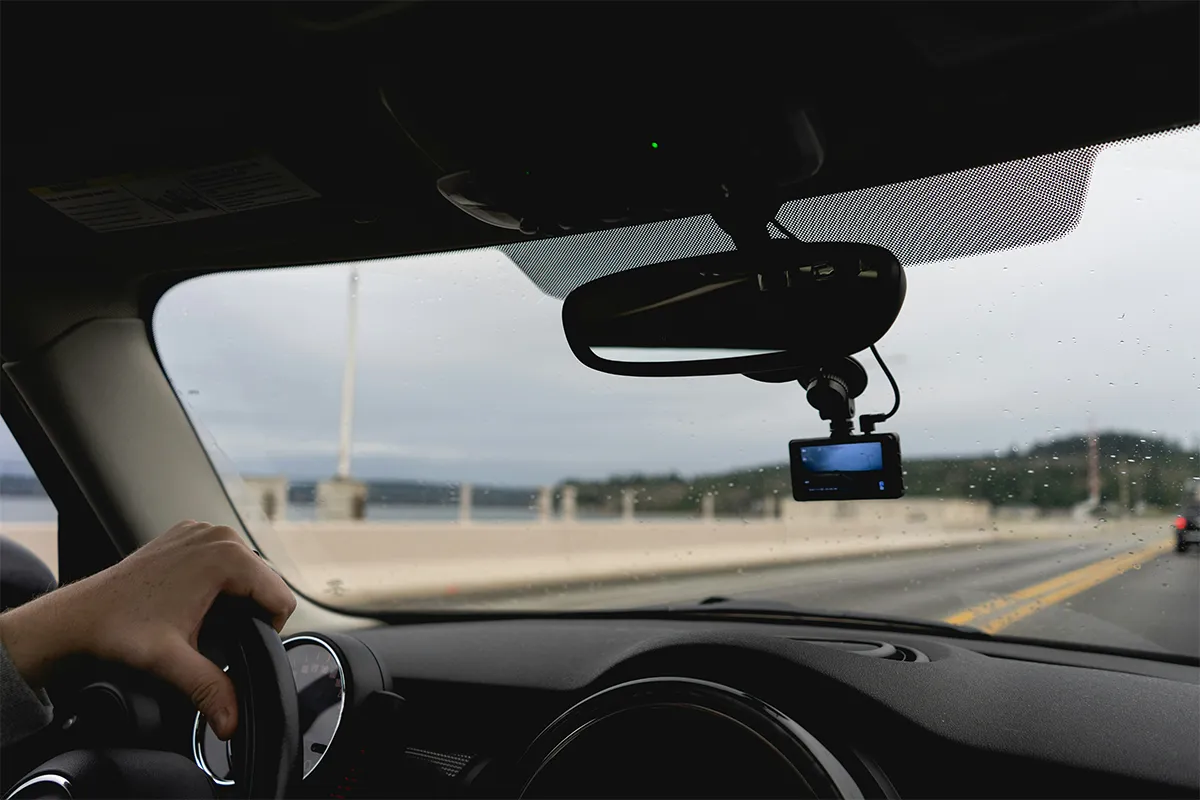
The traditional ways to ensure the safety and security of your fleet have changed a lot today. Every other gadget is now making effective use of AI in its devices. They are smart, able to think, make decisions, and bring more good results with safety, security, and enhanced protection. Vivitar 4K AI dash cam review ensures that it brings the reality behind the myth. The real reviews of users, performance on the ground, and an honest comparison with similar cameras in the market give you the complete picture of reality.
If you are planning to buy a Vivitar 4K AI dashcam, you have landed on the right page. Technology never stays stagnant in one place. It keeps evolving and introducing new things every other day. Vivitar has now equipped its devices with AI. These cameras are now smart enough to analyze and send instant alerts for collision, lane departure, virtual bumper warning, pedestrian collision, and super night vision. These features are now more advanced, and they make effective use of AI for better analysis and achieving enhanced results. Resultantly, you can double productivity, safety, and security, and minimize the cost.
What Is the Vivitar 4K AI Dash Cam?
A dashcam is a small camera. You put it on your car windshield. It records video while you drive. If something bad happens on the road, you have video proof.
The Vivitar 4K AI dashcam is a special kind of dashcam. It is special because it has two cameras. One camera records the road in front of your car. At the same time, the second camera records inside your car. It also has AI. The AI watches the road and warns you when something is not safe.
Vivitar uses two names for this camera. One name is the Vivitar AI DriveCam 4K HD two-way dashcam. The other name is the 4K AI Smart Dashcam with Dual Cameras. Both names are for the same camera. You can buy it at Target, HSN, and Nordstrom Rack. The price is between $89 and $199.
Key Specs at a Glance
A “spec” is just a detail about what the camera can do. For example, how good the video is. Or what extra tools it has. Store pages put all these details in long lists. Those lists are hard to read. This table shows the same details in a simple way.
What the AI Features Actually Do
AI means the camera can think a little bit on its own, especially in modern 360-degree AI dash cams. While you drive, it watches the road. When it sees something dangerous, it warns you. Driving for you is not what it does. Helping you notice danger faster is its job.
This camera has four AI tools. Here is what each one does.
- Vivitar ADAS collision warning system: Imagine you are driving. The car in front of you slows down. But you do not notice right away. This tool notices for you. It watches the space between your car and the car in front. When that space gets too small, it beeps. It tells you to slow down. This is very helpful on highways and in traffic jams.
- Lane departure alert for highway driving: Roads have lines painted on them. These lines show where your lane is. Sometimes drivers move out of their lane without knowing. Maybe they are tired. Maybe they are not paying attention. This tool watches those lines. If your car moves out of your lane without a signal, the camera warns you. This is very useful on long highway drives.
- Virtual bumper proximity warning: This tool works when you drive slowly. For example, in a parking lot or in very slow traffic. It watches how close your car is to the car or wall in front of you. When you get too close, it warns you. This helps you avoid small bumps and scratches.
- Pedestrian collision alert dashcam feature: A pedestrian is a person who is walking. Sometimes a person walks in front of your car suddenly. This tool watches for people walking in front of your car. When it sees a person, it warns you quickly. This is very useful when you drive in a busy city.
These tools are helpful. But they are not perfect. They work best during the day when there is good light. Clear road lines are also needed for them to work well. They help you drive more safely. But you still need to watch the road yourself. Do not depend on them completely.
Video Quality: What 4K Means at This Price
First, what is 4K? It means the video is very detailed. You can see small things clearly. For example, you can read the numbers on a license plate. This is important because if someone hits your car and drives away, you want to read their plate number.
Now, is this 4K as good as a very expensive camera, in the same way that a premium gaming keyboard outperforms a standard one in speed, precision, and overall build quality? No. A camera that costs $300, like a Viofo or Nextbase, makes better video. Colors look nicer in that video. Dark and bright areas also look better. You can see the difference when you compare the two videos.
But the Vivitar 4K AI dashcam video quality is still good enough for the most important job. That job is recording proof when something bad happens. In the daytime, the video is clear enough to read a license plate. Clear enough to show what happened in an accident, too. For insurance or for court, this video is good enough.
What about night driving? This camera has a Super Night Vision mode. This helps it see better in the dark. But it still has limits. On a very dark road with no street lights, the video will not be very clear. In a city or town with street lights, it works okay.
One more thing. The lens covers 138 degrees. Think of it like this. If you look straight ahead, that is 0 degrees. Looking far to the left or far to the right is more degrees. At 138 degrees, the camera can see a lot. Even the lanes next to your car are visible. This is useful when another car hits you from the side.
Setup and Ease of Use
Setting up this camera is simple. You do not need to go to a shop. Special skills are not needed either. The box has everything you need, even for modern AI recorder dash cams. Most people finish the setup in about ten minutes.
- Mounting the camera: The box has a suction mount. This is a small tool that sticks to glass. You press it onto your windshield. It stays there firmly. Then you connect the camera to the mount. A car charger also comes in the box. One end goes into your car’s power socket. The other end goes into the camera. Now the camera gets power while you drive.
- WiFi footage transfer: WiFi is a way to send information without wires. This camera has WiFi inside. There is also a free app for your phone. When you open the app, your phone connects to the camera using WiFi. After that, you can see your videos on your phone. Taking out the memory card is not needed. For Vivitar dashcam WiFi transfer, Android and iPhone users, the app works on both Android and iPhone.
- Loop recording and G-sensor lock: The camera records video all the time while you drive. But a memory card can only hold so much video. When it is full, the camera deletes the oldest video and records a new video. This is called loop recording. But what about accident videos? Those are too important to delete. The camera has a G-sensor. This sensor senses when the car stops suddenly or gets hit. Right away, the camera saves that video. Nothing will delete it.
- On-device playback: The camera has a small 3-inch screen. Watching your videos right on that screen is easy. A phone or computer is not needed for this.
After the first setup, the camera works by itself. Every time you start your car, the camera starts recording. Nothing extra needs to be done. You just drive.
Who This Camera Is Best For
This camera is a good choice for some drivers, similar to how AI wearable jewelry fits a specific group of users who want smart, assistive technology in daily life. But it is not the best choice for all drivers. Here is how to know which group you are in.
Best fit:
You drive for Uber or Lyft. You need a video of the road and also a video inside your car. This camera does both at the same time. You want a camera with AI safety tools. But you do not want to pay more than $250. Buying a camera at Target or a similar store is your preference. Easy returns matter to you if there is a problem.
Less ideal for:
You drive a lot at night on dark roads. You need a very clear video in the dark. You want a very smooth video at a higher frame rate than 30FPS. You have many cars and need all cameras connected to one system online. You need AI tools that are very accurate. At this price, the AI tools are helpful, but they are not perfect.
Vivitar 4K AI Dash Cam vs the Competition
There are other dashcams at a similar price. Some of them make better videos than the Vivitar. But the Vivitar has something that most of those cameras do not have. Here is a simple comparison to help you understand.
- Vantrue E1 Lite ($90 to $120): This camera makes better video. Costing less is another advantage it has. But recording inside your car is not something it does. And AI tools are not included.
- 70mai Dash Cam 4K A800S ($130 to $160): This camera also makes better video than the Vivitar. Many dashcam fans know and trust this brand. But the cabin video is not included. AI tools are also missing.
- Garmin Dash Cam 57 ($130): Garmin is a name many people trust. This camera makes good video in the daytime and has GPS. But only the road in front is recorded. No cabin camera and no AI alerts are included.
- Nextbase 622GW ($200 to $230): This camera makes much better video. The AI tools are also more accurate. But recording inside your car is not possible with this camera. A higher price is another difference.
So why choose the Vivitar? Because no other camera under $200 gives you all three things. Front road video. Inside cabin video. And AI safety tools. All-in-one camera. All from a store like Target. If you need all three, the Vivitar is the only real choice at this price.
Pricing and Where to Buy
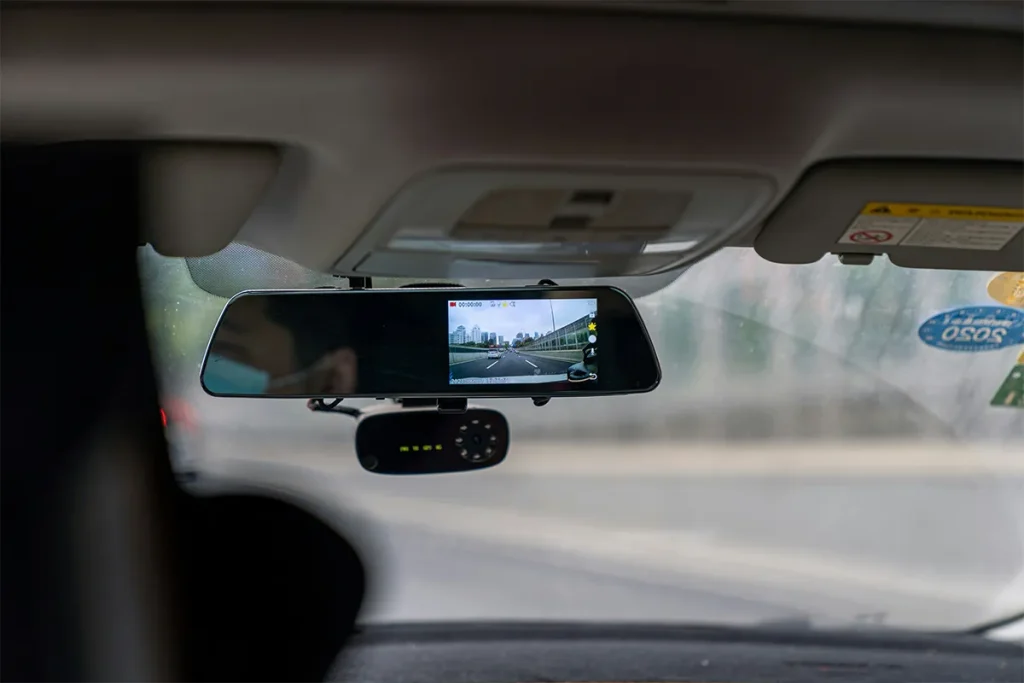
The Vivitar 4K AI dashcam is sold in many places. Target carries it in stores and online. HSN, Nordstrom Rack, and eBay also sell it. The price starts at $89. The highest price is $199. Which version you buy and what deals are available will decide the final price.
HSN has something called FlexPay. Paying everything at once is not required with this option. A small amount each month is all you pay. This is helpful if $189 feels like too much money to pay all at once.
For any problem with the camera or if you need help, go to vivitar.com. Support details and contact information are available there.
Conclusion
For Uber and Lyft drivers, this camera is a very smart buy. Here is why. Two cameras are needed for rideshare work. One for the road. One for the inside of your car. Most cameras only give you one. The Vivitar gives you both. AI safety tools are also included. All of this for under $200. Buying it at Target is also an option. No other camera at this price does all of that. Every time a passenger gets in your car, this camera is working to protect you.
For regular drivers, this camera is also a good choice if you want something simple that does many things. Road recording, cabin recording, and danger warnings are all included. All of this works by itself without you doing anything. Drivers who have used vehicles with AI safety warnings tend to find them useful and say they would want them on their next car as well.
But if you drive a lot at night on dark roads, or if very accurate AI tools are important to you, then a more expensive camera like the Nextbase is a better choice. For everyone else, the Vivitar 4K AI dashcam is a fair product at a fair price.
FAQs: Vivitar 4K AI Dash Cam Review
Q1: Does the Vivitar 4K AI dashcam work without a subscription?
A: Yes. A subscription means paying money every month to use a service. No subscription is needed for this camera. Paying once is all you do. Every feature works without any monthly payment. This includes the AI tools, the recording, and the WiFi transfer.
Q2: Can I use the Vivitar dashcam for ridesharing with Uber or Lyft?
A: Yes. When you drive for Uber or Lyft, two things are needed. Road video is one of them. Cabin video is the other. This camera records both at the same time. That is exactly what rideshare drivers need.
Q3: How does the WiFi transfer work?
A: First, open the app on your phone. A WiFi connection forms between your phone and the camera. After that, tap on the video you want. That video moves from the camera to your phone. Touching the memory card inside the camera is not needed.
Q4: Is the Vivitar 4K AI dashcam compatible with Android and iPhone?
A: Yes. Compatible means it works with something. This camera works with both Android phones and iPhones.
Q5: Does the ADAS work at night?
A: Yes, but not as well as in the daytime. The Super Night Vision mode helps the camera see better at night. But the lane departure tool needs to see the lines on the road. At night, those lines are harder to see. So that tool may not work as well in the dark.