
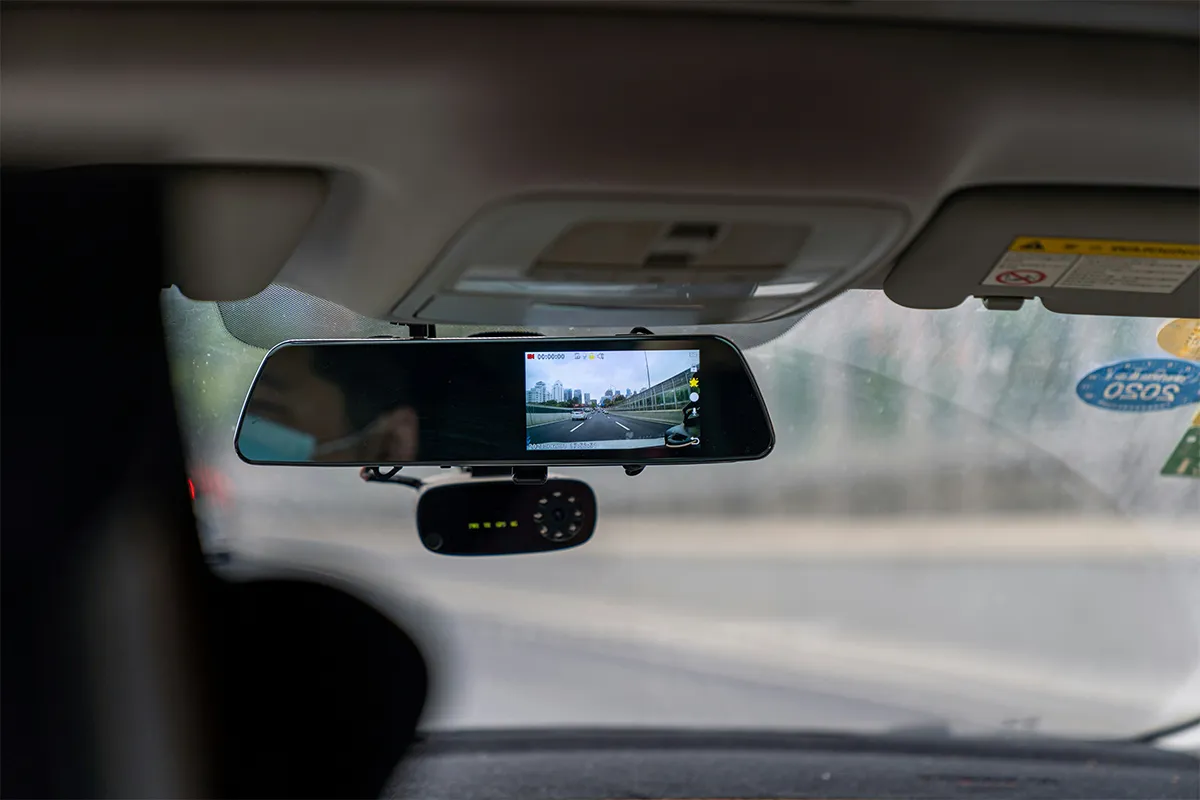
Does your fleet company still use the dash cams without AI integration? If yes, you and your company are a decade behind your competitors out there. The Samsara AI dash cam review, cost, features, and verdict will let you know what this product can offer to take you ahead and be safer while on the road. The company specializes in fleet and logistics hardware as well as its software. They offer complete solutions that include cloud storage, live tracking, and IoT devices.
The Samsara AI dashcam offers real-time driver behavior detection to ensure that your vehicles are safe and secure. Dual-facing dash cams not only have a complete record of the road view, but they also ensure driver distraction detection. The automatic incident detection and behavior analytics powered by AI help you make critical decisions in your fleet company to boost productivity.
What Is the Samsara AI Dash Cam?
Samsara makes software and hardware for businesses that run fleets, and understanding the AI dash cam cost and features helps explain why it is widely used in modern fleet operations. A fleet is any group of vehicles your company uses: delivery trucks, service vans, or long-haul rigs. The AI Dash Cam is a small camera that mounts on the inside of the windshield. It records the road ahead and the driver at the same time. When it sees something unsafe, it plays a voice warning inside the cab immediately. All videos save automatically to the internet, so you can watch them from your phone or computer.
You have three main options. The Samsara CM33 front-facing AI dash cam records only the road. For both road and driver coverage, the CM34 records them at the same time. Need to see all four sides of the vehicle? The Samsara AI Multicam system connects up to four cameras on one truck.
Setup takes ten to fifteen minutes per vehicle. It plugs into a small box already installed in the vehicle. No cutting wires, no electrician. Samsara’s app walks you through every step.
Samsara AI Dash Cam Features
Samsara AI dashcam offers multiple state-of-the-art features that make it stand apart from its competitors. It makes sure that your vehicle is protected and fully secured all the time and around the clock.
1. Video Quality: Read This Before You Buy
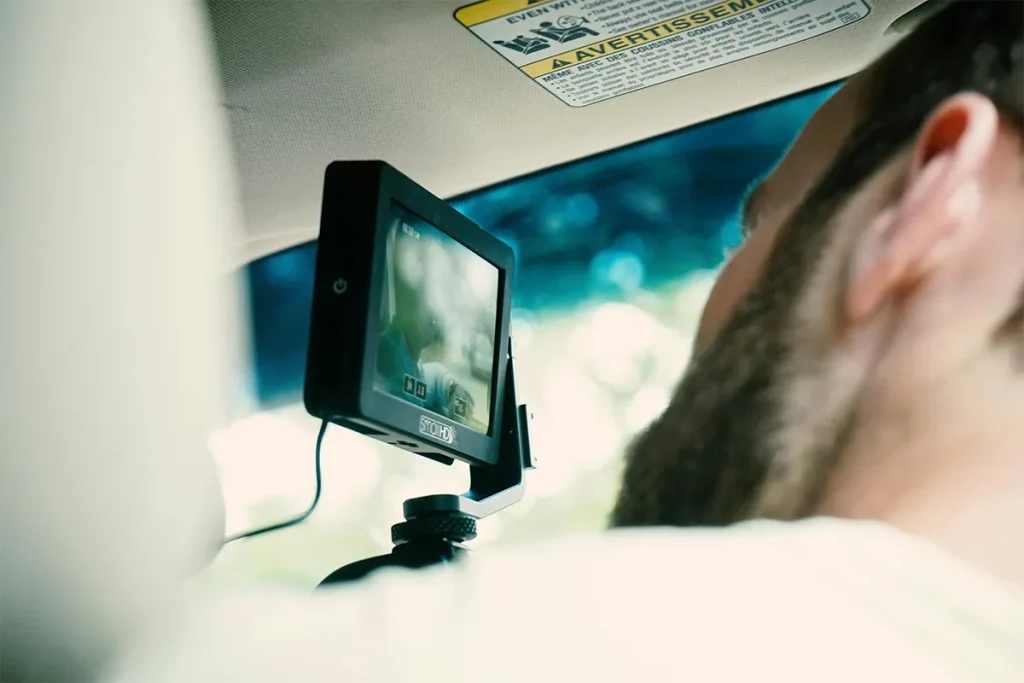
The CM34 records at 2K 1440p front-facing resolution for fleet vehicles. That means the footage is sharp enough to read a license plate or a road sign clearly when you review an incident. Most fleet cameras record at a lower quality called 1080p, so this is a real advantage.
Here is the catch. Getting 2K quality requires the Samsara Dash Cam Plus license upgrade. Without it, the standard package gives you 1080p. If clear video is the main reason you are buying this camera, ask the sales rep about the Plus license before you sign. It costs extra, and it is easy to miss in the contract.
Standard 1080p is still decent. Tricky lighting is handled well, too, coming out of a tunnel, driving into a sunset and moving from shade to bright road. The footage stays usable, which matters a lot when you are trying to figure out who caused an accident.
At night, the driver-facing lens uses small infrared lights to see the driver clearly in the dark. These lights give off a faint red glow inside the cab. Some drivers on overnight routes find it annoying. Tell your drivers about it before you install, so you are not dealing with complaints on day one.
2. AI Detection and In-Cab Alerts
The camera watches the road and the driver on its own, reflecting current fleet dashcam AI trends in real-time monitoring systems. You do not need someone monitoring a screen. This is what “AI” means here: the camera recognizes dangerous situations automatically and reacts in less than a second. The technical term for this is edge computing for real-time driver behavior detection, which just means the camera thinks for itself instead of sending video to a server and waiting for an answer.
It detects a long list of problems. Phone use. Drowsy driving. No seatbelt. Following too close. Almost hitting something. Hard braking. The drowsiness detection alone checks for more than 17 different signs that a driver is getting tired, which is more detailed than most competing systems.
The AI does make mistakes, especially at first. A driver holding a coffee cup near their face has triggered a phone-use alert. A quick glance at a mirror has set off a distraction warning. These false alerts are normal when the system is new. Samsara’s own guidance says accuracy improves with correct mounting, good cab lighting, and a clear view of the driver’s face. Plan to spend the first week reviewing alerts and adjusting the sensitivity settings. The default alert threshold kicks in at 25 mph, and you can change that to match how your drivers actually work.
3. Video Storage and Retrieval
Every video clip uploads automatically over a mobile data connection. Samsara stores up to 746 hours of footage online. You search by date, time, or location and watch from any browser. No memory cards, no driving to the depot to grab a device.
The camera saves a clip from five seconds before and after each detected event. That before-and-after window is usually all you need for an insurance claim or a legal dispute.
One limitation: you cannot pull a memory card from this camera. All footage goes through Samsara’s online system. If your legal team or insurance company ever wants footage and Samsara’s system has an outage, you have no backup copy. That is a real operational risk worth discussing with your team before you commit.
4. Parking Mode
Turn the engine off, and the camera keeps recording for up to 12 hours of parking mode video after engine shutdown. This catches theft, vandalism, or damage that happens overnight or between shifts.
Battery drain is the downside. While recording, the camera pulls power from the vehicle’s battery. A truck sitting parked for several days in cold weather can end up with a dead battery. If your vehicles sit unused for long stretches, check battery health regularly after you turn this feature on.
5. Driver Coaching and Safety Scores
Every time the camera flags an unsafe event, the system creates a task for you to review. You watch the clip, write notes, and send feedback to the driver directly through the app. No phone call needed, no separate email thread.
Each driver gets a safety score, a simple number that reflects how safely they have been driving. Compare scores across your whole fleet to see who is improving and who needs a serious conversation.
The automated driver safety coaching workflow in fleet management is genuinely one of Samsara’s strongest points. Detection, review, feedback, and record-keeping all happen in one place. No separate spreadsheet. No chasing paperwork.
6. Hours-of-Service Compliance
In the US, truck drivers must log their working hours using an approved electronic device called an ELD (Electronic Logging Device). Samsara makes its own ELD, and it connects directly with the dash cam. Driving hours, vehicle inspection records, and safety video all live in the same dashboard. You stop jumping between systems to find what you need.
Samsara AI Dash Cam Pros and Cons
Pros:
- AI-based driver safety detection system
- Real-time alerts for risks
- Cloud video storage and access
- Strong fleet management integration tools
- High-quality incident video evidence
Cons:
- Requires subscription and contract plans
- Can trigger false safety alerts
- Depends on internet connectivity stability
- Privacy concerns with driver monitoring
- High setup and system complexity
Samsara AI Dash Cam Cost
Samsara does not publish prices on its website. You have to call or email the sales team for a quote. Based on publicly available data, the dual-facing camera license starts at around $624 per vehicle per year. The full platform, which includes GPS tracking and fleet management tools, runs roughly $30 to $50 per vehicle per month, depending on what you choose. Contracts come in one, three, or five-year terms. Longer terms cost less per month.
Two things to sort out before you sign:
The Samsara fleet dash cam contract auto-renewal policy catches people off guard regularly. When your contract ends, it automatically renews for another term unless you cancel within a specific window. Several customers have reported that canceling on time is harder than expected. Ask the sales rep exactly when the cancellation window opens and closes. Get the answer in writing, not just on a call.
Early exit is painful. The three-year contract is firm. If your business shrinks, you sell vehicles, or you want to switch systems mid-contract, getting out will likely cost you. Read the termination clause carefully.
On the plus side, the annual price covers the camera hardware, mobile data, software access, firmware updates, and support, all bundled together. Samsara also offers a free 30-day trial before you commit, which is the smart way to start.
Driver Privacy: A Topic Most Reviews Skip
Most AI dash cams that record inside the cab raise a natural question: what happens to that footage, and who can see it? This is something fleet managers and drivers both want to understand before they start using the system. Samsara does have settings and rules in place to address these concerns, but there are a few things worth knowing upfront.
- Audio recording is off by default: The camera does not record sound unless you turn it on manually. Before you enable it, you must tell your drivers, and you must follow the laws in your state or country.
- Inward-facing lens can be disabled: Samsara has a privacy mode that turns off the driver-facing camera completely. This is useful in places with strict privacy laws or for drivers who are not comfortable being recorded inside the cab.
- Biometric data privacy compliance for fleet dash cams varies by state: Samsara paid $3.95 million to settle a lawsuit in Illinois over how the system stored information about drivers’ faces without proper consent. Laws around recording faces differ by state. If your fleet operates across multiple states, check the local rules before you deploy driver-facing cameras.
- Driver still images are off by default: The camera does not take photos of the driver during a trip unless you specifically turn this setting on.
Go through Samsara’s privacy settings with your drivers before the cameras go live. Most pushback from drivers comes from not knowing what is being recorded. A ten-minute walkthrough on day one prevents weeks of friction later.
Who Should Buy the Samsara AI Dash Cam?
Samsara is not designed for everyone, and that is actually a good thing. Knowing whether it fits your situation before you commit to a multi-year contract will save you both time and money. The system is built around a full fleet management platform, so the value depends heavily on how you plan to use it.
- Large and mid-size fleets: Samsara works best when you manage multiple drivers across multiple vehicles. The coaching tools, safety scores, and online dashboard deliver the most value at this scale.
- Fleets already using Samsara ELD or GPS: If you already use Samsara for GPS or driver hour logs, adding the dash cam brings everything into one place. Less switching between tools, more time actually managing your fleet.
- Fleets with high accident or legal risk: When a crash happens, the footage is already online before you even know about it. That protects your drivers from unfair blame and gives you clear evidence fast.
- Owner-operators and very small fleets: The three-year contract, the monthly cost, and the full platform are probably more than a one or two-truck operation needs. A simpler, cheaper option will serve you better.
If your fleet is growing and safety is a daily issue, Samsara is worth the investment. If you are just starting to build a safety program, use the free 30-day trial first. See how it actually runs before you sign three years of your budget away.
Samsara AI Dash Cam Review at a Glance
| Feature Area | Details |
|---|---|
| Primary Purpose | Fleet safety and driver monitoring system |
| Core Technology | AI-based video analysis with onboard sensors |
| Video Recording | Continuous HD recording with event-based triggers |
| Storage Type | Cloud-based video storage system |
| Connectivity | Requires cellular or Wi-Fi connection |
| Safety Features | Real-time alerts for risky driving behavior |
| Fleet Integration | Integrates with Samsara fleet management platform |
| Installation Type | Hardwired in-vehicle installation |
| Data Access | Remote access via dashboard and mobile app |
| Cost Model | Subscription-based service with hardware cost |
| Key Limitation | Dependent on stable internet connection |
| Privacy Aspect | Driver monitoring may raise privacy concerns |
Conclusion
Samsara is not cheap, and it is not simple. But for a fleet of ten vehicles or more, it is one of the most complete safety systems available. Recent research indicates that AI-based in-vehicle video systems are increasingly used for real-time monitoring of driving behavior and hazard detection in fleet environments. Video quality is strong, AI detection is detailed, storage is generous, and the coaching tools actually reduce the time you spend managing safety events manually.
Real problems exist, too. At 2K, video costs extra. Auto-renewal makes the contract hard to exit early. False alerts appear until you tune the AI. And if your fleet runs in Illinois or other states with strict biometric laws, you need to do your homework before cameras go in the cabs.
Go in with clear expectations, read the contract carefully, and use the trial period seriously. Do that, and Samsara will likely earn its place in your fleet.