
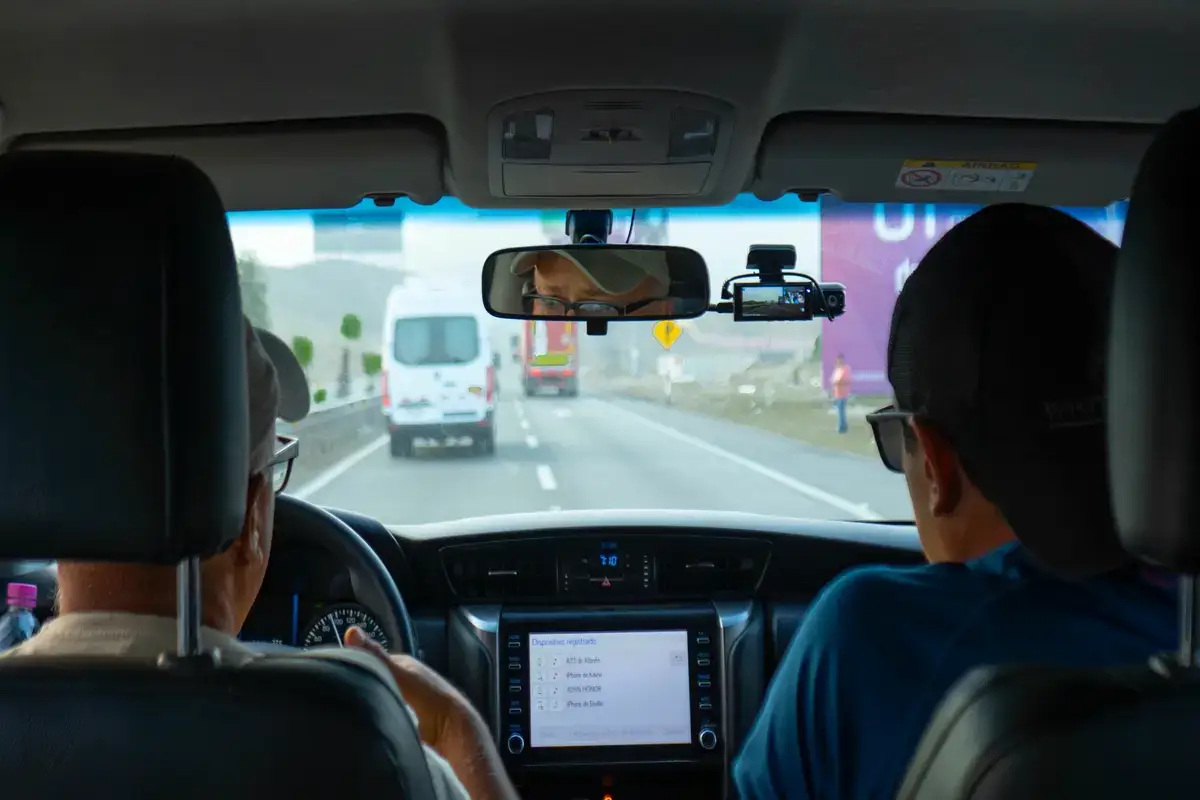
Looking for one dedicated company that makes products for fleets as well as caters to safety and monitoring? In this Azuga AI dashcam review, you will learn about their SafetyCam, specifically designed for large and small fleet companies. What makes their SafetyCam special is their indigenous GPS and tracking equipment that Azuga is known for.
If you are looking for the Azuga AI SafetyCam, you have landed on the right page. There are a few articles online that cover their dashcam, and customers get confused about whether to buy one and whether it is really worth investing in for your fleet company. This review is based on first-hand knowledge after using their SafetyCam, and it provides real insights into its features, functions, reliability, and long-term usage.
What Is the Azuga AI Dashcam?
Two camera eyes give SafetyCam its unique touch. One lens keeps eyes on the street. Another faces the cabin and quietly watches the person behind the wheel. Most work trucks will probably place the camera inside, high up. Both the road and the driver’s seat show up together on screen. Some clever software tools often work out of sight. The camera might spot dangerous moves as they happen. Hard stops, sleepy faces, or distracted actions likely trigger alarms. Many fleet chiefs receive fast messages about sudden danger. Only one favorite from all those top-rated work truck video systems gets this much attention here. The next part looks past simple praise; real answers come next.
Key Features of the Azuga AI Dashcam
Shoppers usually spot SafetyCam in three key styles. Each option offers sharper footage and extra gadgets. Owners should pause and think about work habits and group size before any quick decision. A snap pick might lead to money wasted on tools that only collect dust, or missing crucial video when problems strike.
- Legacy AI (720p): The entry-level tier. Good enough for basic incident records, though detail at a distance stays limited.
- SafetyCam Plus (1080p): A faster processor and crisper resolution. Supports one auxiliary camera for wider coverage.
- SafetyCam Pro (1080p): The flagship. Active cooling, up to 2TB of storage, and support for four auxiliary cameras.

- Driver Monitoring System: Spots distraction, drowsiness, and phone use. Real-time voice alerts nudge the driver on the spot.
- Impact Event Detection: Grabs footage automatically during hard braking or a crash. Handy for insurance claims and coaching sessions.
The three kinds seem to fit the way each business runs. Small delivery teams probably do well with the base model. Larger groups with many trucks might need the Pro. Here lies a point that hardly gets real talk. True worth might hide inside the fine print and contract details.
Azuga AI Dashcam Pricing and Contract Terms
Cost charts may look friendly at first. Usual charges per truck stand close to numbers from other big names. The harder truth often sits deep in the rules about commitment, not just the regular bill. People who only glance over the paperwork could miss major surprises in the future. Take a closer look here, this part really may shape your whole experience.
- Base Fleet Plans: BasicFleet at $25, SafeFleet at $30, and CompleteFleet at $35 per vehicle each month.
- AI SafetyCam Add-On: Reported between $41.99 and $49.99 per vehicle monthly, depending on the source. That fee stacks on top of the base plan.
- 36-Month Contract: A long minimum commitment. Many competitors offer far more flexible terms.
- No Free Trial: Only a live demo lets you preview the system before you commit.
- ELD Compliance: Offered, yet billed as a separate add-on charge.
When people measure SafetyCam against big names such as Samsara, prices line up. Nothing really stands out as unfair in the monthly costs. The tougher part sneaks in with the agreement. Azuga often expects a three-year promise. That contract might weigh more and more over time. Every owner should weigh these rules against any plans for possible changes in the fleet down the road.
Where the Azuga AI Dashcam Falls Short
No dashcam claims to rule every road. The three-year contract jumps out first, impossible to ignore. Any business might worry about such a long commitment, especially when growth can strike at any moment. Most people want to test SafetyCam on real streets, but face only a fast online display. Road testing could probably reveal the truth, but this chance never appears. SafetyCam’s artificial intelligence often focuses more on the person behind the wheel. The tools that watch street situations may seem slightly weaker. Anyone searching for detailed road event insights probably finds today’s camera a bit simple.
Who Should Use the Azuga AI Dashcam
Big companies with fleets across many areas usually see a natural match. Stable fleet size over the years might make a long contract feel almost risk-free. Predictable routines often turn the long promise into a comfort. Small teams who switch things up may spot hidden trouble in such a fixed agreement. A brief contract somewhere else may bring peace of mind. Workers in industries like construction or mining probably need sturdier equipment, and the guide for AI dash cams made for heavy duty work likely suits them better. Azuga generally fits standard delivery runs and service crews. City vans and weekday trucks seem to benefit most.
Azuga AI Dashcam at a Glance
The key points sit close together in the chart below. Anyone can quickly compare all the vital details.
| Aspect | Details |
|---|---|
| Hardware Tiers | Legacy AI (720p), SafetyCam Plus (1080p), SafetyCam Pro (1080p, active cooling, up to 2TB storage) |
| Base Fleet Plans | BasicFleet $25/vehicle/month, SafeFleet $30/vehicle/month, CompleteFleet $35/vehicle/month |
| AI SafetyCam Add-On | Reported between $41.99 and $49.99 per vehicle per month depending on source and plan, on top of the base fleet plan |
| Contract Length | 36 months minimum |
| Free Trial | None, live demo only |
| ELD Compliance | Available as a separate paid add-on |
| Best For | Established fleets with predictable, long-term vehicle needs |
Keep in mind, SafetyCam’s extra costs often move between different sellers. Azuga does not list these numbers on the main site, so treat any price range as just an estimate.
Anyone needing more law knowledge for driving can turn to the group called the Federal Motor Carrier Safety Administration for direct support. Shoppers looking for vehicle gadgets may find full market reviews at Forbes.
Conclusion
Cameras face the real world every day. Automated systems might catch trouble and protect teams. Azuga’s smart camera probably wins praise just for helping safety. Still, the three-year lock-in may decide the true value for many. Small businesses likely feel the pressure of tying themselves down, even if the camera seems effective. Larger fleets with more regular needs face fewer worries. A wise step before any agreement might look like this: Sorting these steps upfront probably helps you avoid unwanted shocks later on.