
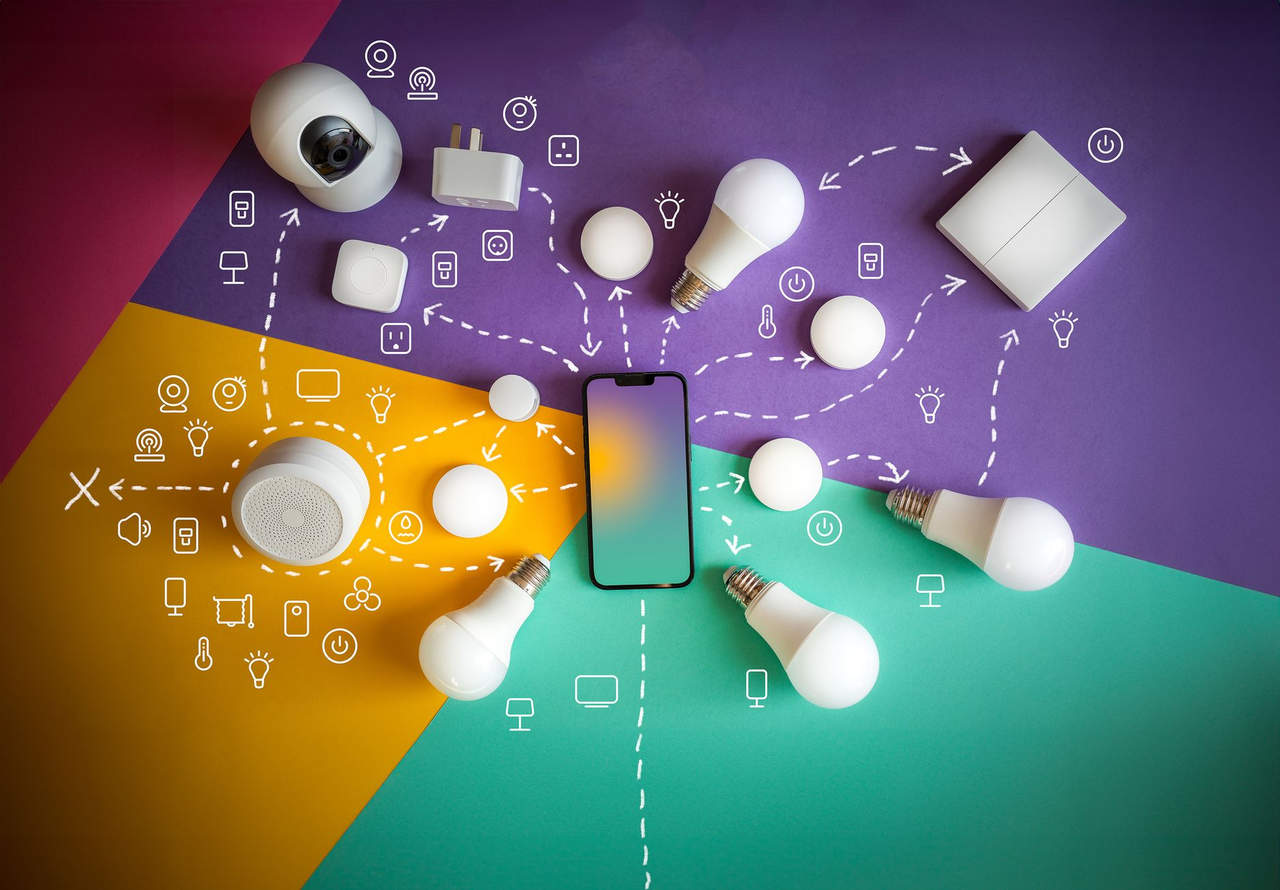
Your home is becoming more connected every year. Smart TVs, video doorbells, cameras, speakers, thermostats, lights, locks, and appliances can make daily life easier—but they can also create a detailed record of what happens inside and around your home.
That does not mean every smart device is secretly spying on you. It does mean you should decide what each device can collect, who can access it, and whether the convenience is worth the trade-off.
This guide explains the information smart-home devices can collect and the practical steps you can take to reduce unnecessary tracking in 2027.
What Data Do Smart-Home Devices Collect?
The data collected depends on the device, its settings, and the services connected to it.
Smart speakers may process voice commands and keep recordings or transcripts, depending on your account settings. Smart TVs can track viewing activity and app use. Cameras and video doorbells may capture video, audio, motion events, and the times people arrive or leave.
Even devices without cameras or microphones can reveal personal habits. A smart thermostat may show when a home is occupied. Smart lights and plugs can indicate daily routines. Connected locks can record when doors are opened and by whom.
The risk is not just one isolated data point. When several devices are linked to the same account, their combined activity can create a surprisingly detailed picture of a household’s routines.
Who May Have Access to Your Smart-Home Data?
The device manufacturer is usually the first party with access to device data. Depending on the product, data may also be handled by cloud-storage providers, voice-assistant platforms, app developers, security-monitoring companies, or third-party services you choose to connect.
Other people in your household may have access too. A former partner, roommate, guest, installer, or previous homeowner may still be signed in to an account or have permission to view a camera feed.
Before assuming a device is private, check:
- Which account owns it
- Which people can access it
- Whether recordings are stored locally or in the cloud
- How long the company keeps the data
- Whether the service offers a marketing or data-sharing opt-out
The Federal Trade Commission recommends securing connected devices with unique passwords, updates, and unused features disabled. It also advises reviewing smart-TV tracking settings and camera access logs. Read the FTC’s connected-device guidance.
Start With a Smart-Home Privacy Audit
Set aside 30 minutes to review every connected device in your home. Include the obvious items—cameras, speakers, and TVs—but also check routers, garage-door openers, thermostats, light bulbs, appliances, and old devices still sitting in a drawer.
For each device, ask four questions
Does it have a camera, microphone, location feature, or occupancy sensor?
Is it still receiving security updates?
Who can log in or view its data?
Do I actually use its connected features?
Disconnect devices you no longer use. Older products that no longer receive software updates can become an unnecessary weak point in your network.
Secure Your Home Network First
Your router is the front door to your connected home. Give it the same attention you would give a physical lock.
Change the default router administrator password and Wi-Fi password. Use a unique password for each important account, and turn on multi-factor authentication whenever it is available.
If your router supports it, create a separate guest or smart-device network. Put cameras, speakers, TVs, and appliances on that network instead of the same network used by your laptops, phones, and work devices. This can limit the damage if one less-secure device is compromised.
Keep router firmware up to date and use WPA3 security when available. The FTC also recommends checking your router’s connected-device list regularly so you can spot devices you do not recognize. Its home Wi-Fi guide explains the basics.
Reduce What Each Device Can Collect
Open the privacy settings for every smart-home app. The wording varies by brand, but look for options related to:
- Voice recordings and voice-history retention
- Personalised advertising
- Diagnostic or usage data
- Third-party data sharing
- Location access
- Camera and microphone permissions
- Automatic content recognition on smart TVs
- Cloud-video storage
- Remote access
Disable features you do not need. For example, if you only use a smart speaker for timers and music, you may not need voice recordings saved to your account. If you use a smart TV mainly for streaming apps, review whether viewing-tracking or personalised-ad settings can be turned off.
Do not assume an opt-out setting is permanent. Revisit privacy controls after major app or firmware updates, because new features and permissions can be introduced over time.
Treat Cameras and Voice Assistants as High-Sensitivity Devices
Cameras and microphones deserve extra care because they can capture the most personal parts of home life.
Avoid placing cameras in bedrooms, bathrooms, or other highly private areas. Point outdoor cameras toward your property whenever possible, and be considerate of neighbours’ privacy.
For indoor cameras, use privacy shutters or unplug the device when monitoring is unnecessary—provided doing so does not interfere with a safety or security purpose you rely on. Review camera-access logs and shared-user lists regularly. Remove access for former household members, installers, or anyone who no longer needs it.
For voice assistants, review the voice-history settings in the associated app. Delete old recordings if the service allows it, and enable a microphone-off button or privacy mode when you want a clear boundary.
Be Careful With Shared Access
Shared smart-home accounts are convenient, but they are easy to forget about.
Use separate accounts or individual invitations for household members instead of sharing one master password. That makes it easier to remove access later without resetting your entire system.
After a breakup, move, rental change, or house sale, change passwords, revoke shared access, and factory-reset devices where appropriate. The FTC specifically recommends removing personal information and resetting smart-home devices before selling a home or leaving connected devices behind. See its smart-home move-out checklist.
Choose Privacy-Friendly Devices Before You Buy
The best privacy choice is often made before a device enters your home.
Before buying, look for clear answers to these questions:
- How long will the device receive software and security updates?
- Can it work locally, or does it require a cloud subscription?
- Does it offer two-factor authentication?
- Can you delete recordings and account data?
- Can the camera or microphone be physically disabled?
- Does the device still work in a basic way if cloud support ends?
A lower-cost device is not necessarily a bargain if it stops receiving security updates quickly. The FTC advises consumers to check how long a manufacturer plans to support a connected product before purchasing it.
Your 2027 Smart-Home Privacy Checklist
Use this checklist every three to six months:
- Update your router, smart-home apps, and device firmware.
- Review every device connected to your network.
- Remove devices and accounts you no longer use.
- Check camera-sharing permissions and access logs.
- Delete unneeded recordings, clips, and voice history.
- Review privacy settings after major updates.
- Change passwords after a move, household change, or suspected account compromise.
- Keep cameras out of highly private spaces.
Smart homes do not have to become surveillance homes. The goal is not to reject useful technology—it is to keep control over the information your home creates. A few intentional settings and regular check-ins can make a meaningful difference.