
Apple introduced a feature in iOS that slows down older iPhones when their batteries degrade. This practice sparked controversy when users discovered their phones were running slower without their knowledge. The good news is that you can check if your iPhone is being throttled and take steps to fix it.
This guide explains how to determine if your iPhone battery is causing performance throttling. It also covers what you can do to restore your phone to full speed.
What Is iPhone Battery Throttling
Battery throttling is a power management feature Apple added to iOS 10.2.1 in 2017. The system reduces your iPhone’s peak performance when the battery can no longer deliver adequate power. This prevents unexpected shutdowns during processor-intensive tasks.
As lithium-ion batteries age, they lose capacity and ability to provide peak power. A degraded battery might cause your iPhone to shut down suddenly when running demanding apps. Throttling reduces processing speed to match what your battery can safely provide.
Apple initially implemented this feature without telling users. Many people assumed their phones were simply getting old or that Apple was forcing them to upgrade. After public backlash, Apple added transparency features and a battery replacement program.
How to Check Your iPhone Battery Health
iOS includes a Battery Health feature that shows your battery’s condition and whether throttling is active. Here is how to check it:
Open the Settings app on your iPhone. Scroll down and tap Battery. Select Battery Health & Charging. You will see a screen with important information about your battery.
The Maximum Capacity percentage shows how much charge your battery holds compared to when it was new. A new iPhone has 100% capacity. Anything above 80% is generally considered good health. Below 80% means significant degradation has occurred.
Look at the Peak Performance Capability section below the capacity reading. If your iPhone is running at full performance, you will see a message stating “Your battery is currently supporting normal peak performance.” This means no throttling is happening.
If throttling is active, you will see a different message. It might say “This iPhone has experienced an unexpected shutdown because the battery was unable to deliver the necessary peak power.” Below this warning, you will see that performance management has been applied.
Some users see a message stating their battery health cannot be determined. This typically happens after third-party battery replacements or if there is a hardware issue.
Which iPhone Models Support Battery Health Monitoring
The Battery Health feature is available on specific iPhone models running iOS 11.3 or later. Supported devices include:
- iPhone 6 and later models
- iPhone SE (all generations)
- Any iPhone released after 2015
If you have an older model, you will not see the Battery Health option in Settings. These older phones may still experience throttling, but iOS does not provide a built-in way to check.
Additional Signs Your iPhone Is Being Throttled
Beyond the Battery Health screen, several symptoms suggest your iPhone is running in reduced performance mode:
- Apps take longer to launch than they used to
- The camera flash is disabled when taking photos
- Frame rates drop in graphics-intensive apps and games
- Background app refresh happens less frequently
- The screen brightness dims automatically in some situations
- Speaker volume is reduced by up to 3 decibels
These changes happen gradually as your battery degrades. You might not notice them immediately because the slowdown is subtle at first.
Using Third-Party Apps to Measure Performance
Several apps can benchmark your iPhone’s processor performance. Geekbench is a popular option that measures computing power. Running a benchmark test and comparing your scores to typical results for your iPhone model can reveal if throttling is active.
A significantly lower score than expected suggests your phone is operating in reduced performance mode. However, the built-in Battery Health feature provides more reliable information than third-party benchmarks.
What to Do If Your iPhone Is Throttled
You have several options when you discover your iPhone is being throttled. The best solution depends on your budget and how much longer you plan to keep your device.
Disable Performance Management Temporarily
If throttling has been applied, iOS gives you the option to disable it. This option only appears after your iPhone has experienced an unexpected shutdown.
Go to Settings, then Battery, then Battery Health & Charging. You will see a Disable option under the performance management message. Tap it to turn off throttling.
Your iPhone will run at full speed again. However, you risk unexpected shutdowns when the battery cannot provide enough power. Most users find this trade-off unacceptable, especially during important tasks.
If your phone shuts down unexpectedly again, iOS will automatically re-enable performance management. You cannot permanently disable this feature without addressing the underlying battery problem.
Replace Your iPhone Battery
Battery replacement is the most effective solution to throttling. A new battery restores your iPhone to full performance without any shutdowns.
Apple offers battery replacement services through their retail stores and mail-in service. The cost varies by model but typically ranges from $69 to $99 for out-of-warranty replacements. You can schedule an appointment through the Apple Support website.
Third-party repair shops often charge less for battery replacement. Prices can be $30 to $50 lower than Apple’s service. However, using non-Apple service providers has drawbacks. Third-party batteries may not meet Apple’s quality standards. Your Battery Health feature might stop working after a third-party replacement.
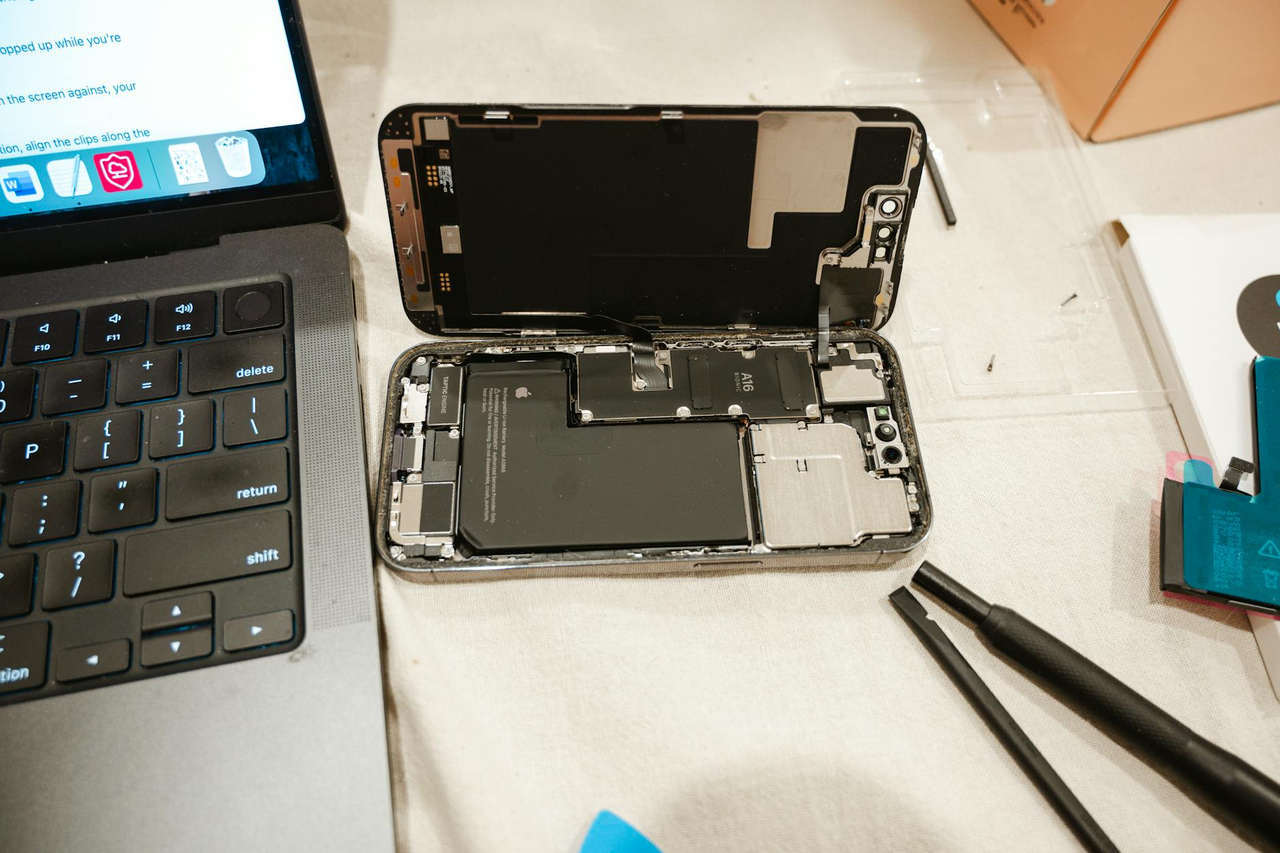
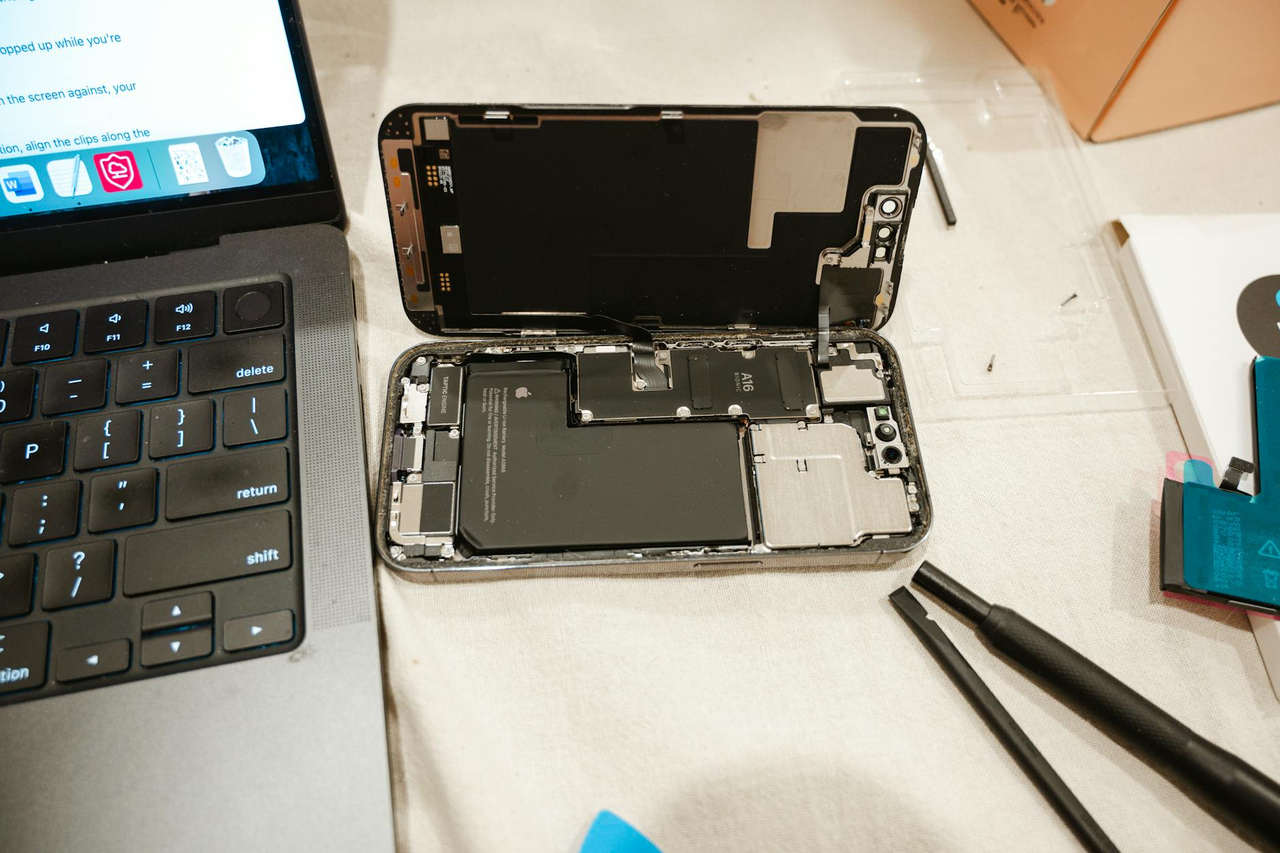
Some users replace batteries themselves using kits available online. This option saves money but requires technical skill and proper tools. Self-repair voids any remaining warranty and risks damage to your phone.
Optimize Your Current Battery Performance
If you cannot replace your battery immediately, several strategies can help extend its effectiveness:
Enable Low Power Mode when your battery drops below 50%. This feature reduces background activity and visual effects. It can prevent shutdowns that trigger throttling. You can turn it on in Settings under Battery or add it to Control Center for quick access.
Keep your iPhone at moderate temperatures. According to Apple’s guidelines, the ideal temperature range is 62 to 72 degrees Fahrenheit. Extreme heat or cold accelerates battery degradation and increases the chance of shutdowns.
Update to the latest iOS version. Apple continuously refines power management in software updates. Newer versions often handle battery degradation more efficiently.
Close unnecessary apps and disable location services for apps that do not need them. Reduce screen brightness and limit background app refresh. These changes reduce power demand and make unexpected shutdowns less likely.
Consider Upgrading Your iPhone
If your iPhone is several years old and experiencing throttling, upgrading might make financial sense. Newer models have larger batteries and more efficient processors. They offer better performance and longer battery life than older devices.
Compare the cost of battery replacement to your phone’s current value. If you have an iPhone 7 or older, the price of a new battery represents a significant portion of the phone’s worth. Putting that money toward a newer model might be a better investment.
Preventing Future Battery Degradation
Proper charging habits can slow battery degradation and delay throttling. Lithium-ion batteries last longer when kept between 20% and 80% charge.
Avoid letting your battery drain completely before charging. Also avoid keeping it plugged in at 100% for extended periods. iOS includes an Optimized Battery Charging feature that learns your charging patterns. It delays charging past 80% until you need to use your phone.
This feature is enabled by default on newer iPhones. You can verify it is on by going to Settings, then Battery, then Battery Health & Charging. Toggle on Optimized Battery Charging if it is off.
Remove thick cases when charging, especially with wireless chargers. Heat builds up during charging and accelerates battery wear. Your iPhone should feel cool or only slightly warm when charging.
Store your iPhone with a 50% charge if you will not use it for a long time. Storing a phone fully charged or completely drained for months damages battery health.
Understanding Your Rights and Apple’s Battery Program
When the throttling controversy emerged, Apple faced multiple lawsuits and investigations. The company settled with the Federal Trade Commission and agreed to be more transparent about battery management.
Apple temporarily reduced battery replacement costs to $29 for affected iPhone models. That program ended in December 2018, but it established an important precedent. Users now have clear information about their battery health and performance management.
If you purchased your iPhone recently, it comes with a one-year limited warranty. This warranty covers defective batteries that fall below 80% capacity during the coverage period. AppleCare+ extends this protection to two years and includes coverage for accidental damage.
Check your warranty status before paying for battery replacement. You might qualify for free service if your battery degraded faster than normal.
Final Thoughts on iPhone Battery Throttling
Battery throttling is Apple’s solution to a real technical problem. Degraded batteries cannot safely power modern processors at peak performance. Throttling prevents shutdowns but sacrifices speed.
The Battery Health feature gives you the information you need to make informed decisions. Check it regularly to monitor your battery’s condition. When you see capacity drop below 80% or notice throttling is active, plan for a battery replacement.
A new battery typically costs less than $100 and restores your iPhone to like-new performance. This investment extends your phone’s useful life by another year or more. It is almost always more cost-effective than upgrading to a new device.
Take action as soon as you notice throttling. The sooner you address battery degradation, the better your iPhone experience will be. Your phone is too important to use with reduced performance when a simple fix is available.