
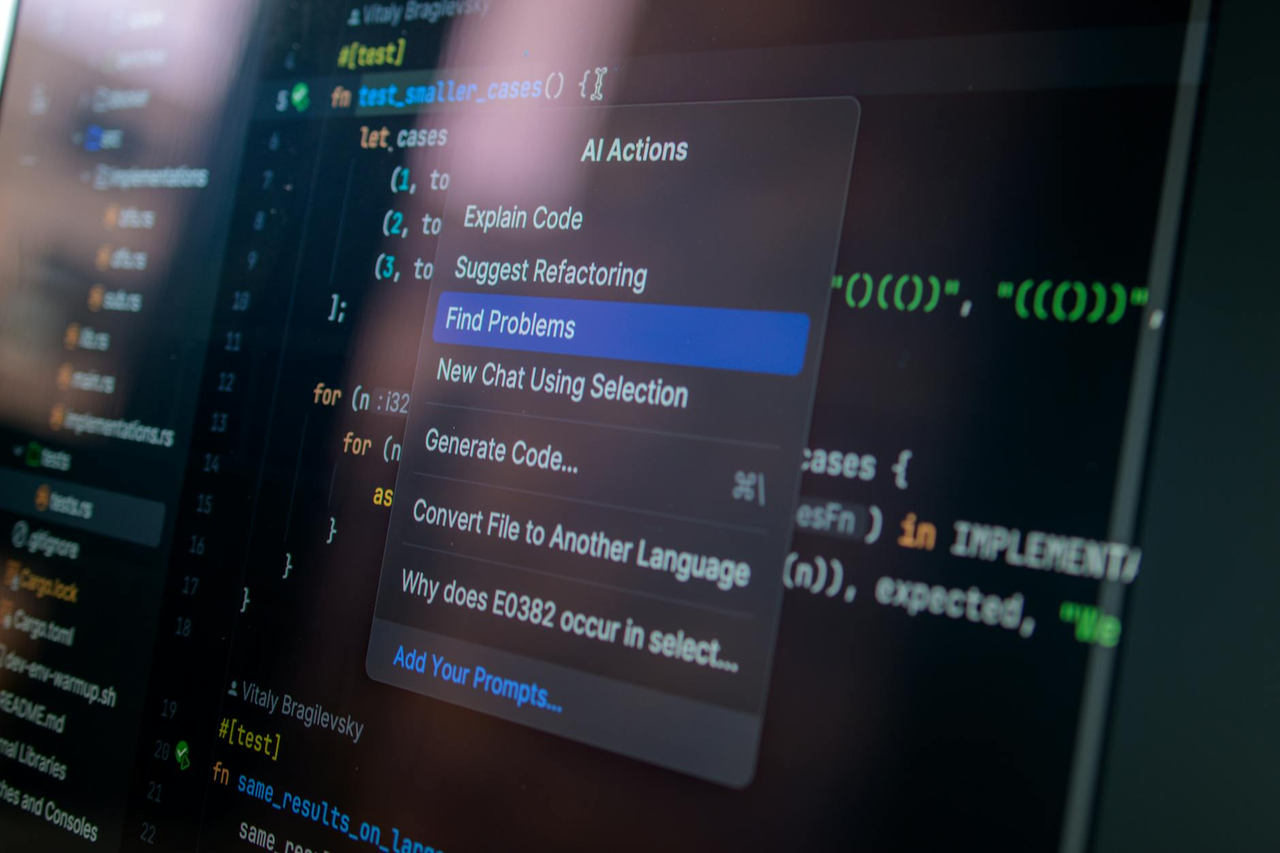
Software development teams woke up to surprising news in April when GitHub announced a fundamental shift in its platform identity. The world’s largest code repository is rebranding itself around GitHub Copilot, signaling a transformation from version control platform to AI-first development workspace. For engineering managers evaluating tools and developers worried about workflow disruption, this change raises urgent questions about pricing, feature access, and whether core repository functions will take a backseat to artificial intelligence features.
The GitHub Copilot rebranding represents more than a marketing refresh. It marks a strategic pivot that affects how millions of developers interact with the platform daily. This transformation arrives as AI code assistants move from experimental tools to essential parts of modern development workflows.
What the GitHub to GitHub Copilot Rebrand Actually Means
The GitHub rebrand centers the platform’s identity around its AI-powered code generation and assistance capabilities. GitHub Copilot, which launched as a standalone product, now serves as the umbrella brand for the entire platform experience. This means the company positions AI development tools as the primary value proposition rather than treating them as add-on features.
The rebrand does not eliminate traditional GitHub functionality. Repositories, pull requests, issues, and actions remain core platform features. However, the company now frames these capabilities within an AI-enhanced development context. The interface, documentation, and onboarding flows emphasize how Copilot features integrate with existing workflows rather than treating version control as the starting point.
Microsoft-owned GitHub released details in April confirming that the platform will maintain backward compatibility with existing integrations and APIs. Developers using GitHub purely for version control can continue their current workflows without forced adoption of AI features. The rebrand represents strategic positioning rather than a mandatory platform migration.
Why GitHub Is Betting Its Identity on AI Development Tools
GitHub’s transformation strategy reflects broader shifts in software development practices. The company analyzed usage data showing that developers using code generation platforms completed tasks 30-40% faster in specific contexts. As competitors like Amazon CodeWhisperer and Cursor gained traction, GitHub faced pressure to differentiate its AI offerings in an increasingly crowded market.
The AI-first positioning allows GitHub to justify premium pricing tiers while competing with standalone AI code assistants. By integrating Copilot deeply into the platform experience, GitHub creates a unified development environment that competitors cannot easily replicate. This strategy reduces the risk of developers switching to alternative platforms that offer better AI capabilities.
The rebrand also positions GitHub for enterprise sales conversations focused on productivity gains rather than simple repository hosting. Engineering leaders evaluating developer tools increasingly prioritize AI capabilities when making purchasing decisions. GitHub’s identity shift aligns with this procurement trend.
How the Rebrand Impacts Existing GitHub Users and Workflows
Current GitHub users face minimal immediate disruption from the rebranding. The platform continues supporting standard Git operations, branch management, and collaborative features without requiring AI tool adoption. Developers who prefer traditional coding methods can disable Copilot suggestions within their IDE settings.
The main workflow changes involve interface updates and feature prominence. AI-powered code review suggestions now appear more prominently in pull request flows. Issue tracking includes optional AI-generated summaries. Actions workflows gained AI-assisted debugging capabilities that surface automatically when builds fail.
Organizations with security policies restricting AI code generation can configure enterprise settings to limit Copilot access. GitHub provides granular controls allowing administrators to enable specific AI features while blocking others. This flexibility addresses concerns about vendor lock-in and forced feature adoption.
The rebrand does introduce gradual pressure toward AI adoption through interface design and default settings. New users encounter Copilot prompts during onboarding. Tutorial documentation increasingly references AI-assisted workflows as standard practice. These changes signal GitHub’s long-term direction even as legacy workflows remain supported.
Comparing GitHub Copilot to Competing AI Development Platforms
The rebranded GitHub Copilot competes against standalone AI code assistants and integrated development environments with built-in AI features. Amazon CodeWhisperer offers similar code completion capabilities with tighter AWS service integration. Cursor provides an AI-native editor experience designed specifically for AI-assisted coding workflows.
GitHub’s competitive advantage lies in platform integration depth. Copilot accesses repository context, issue history, and pull request discussions to provide more relevant suggestions. Competing tools typically lack this contextual awareness unless developers manually provide additional information.
However, specialized AI coding tools often deliver superior performance in specific use cases. Cursor’s interface design centers entirely on AI-assisted development rather than adapting traditional Git workflows. Some developers report better code suggestion quality from tools trained on more recent language models.
The GitHub Copilot strategy prioritizes breadth over depth. The platform aims to serve as a comprehensive development workspace rather than the best tool for any single task. This approach appeals to teams seeking consolidated tooling but may frustrate specialists seeking cutting-edge AI capabilities.
Pricing and Feature Changes: What’s Included in the New GitHub Copilot
GitHub announced revised pricing tiers alongside the rebrand. The free tier continues offering unlimited public repositories and basic collaboration features without AI capabilities. The individual plan now includes limited Copilot access with monthly usage caps on AI-generated code suggestions.
Professional developers requiring unlimited AI assistance must subscribe to GitHub Copilot Pro at $19 per month. This tier includes advanced code completion, chat-based coding assistance, and AI-powered security scanning. Enterprise plans bundle Copilot features with advanced security, compliance tools, and dedicated support starting at $39 per user monthly.
The pricing structure addresses concerns about mandatory Copilot subscriptions. Core GitHub functionality remains accessible without AI tool payments. However, the tiered approach creates pressure to upgrade as teams discover AI features during trials or limited-access periods.

GitHub positioned the rebrand as expanding access rather than restricting features. The company emphasized that more developers gain exposure to AI development tools through bundled offerings than previous standalone product structures. Critics note this framing obscures price increases for users who previously accessed premium features at lower costs.
Developer Reception: Community Response to the AI-First Positioning
Developer community reactions to the GitHub Copilot rebranding split along predictable lines. Early AI adopters welcomed the deeper integration and improved context awareness. Developers who view AI assistants as productivity multipliers praised GitHub for prioritizing these capabilities within the platform experience.
Skeptics expressed concerns about GitHub deprioritizing version control excellence in pursuit of AI trends. Discussion threads on developer forums questioned whether the rebrand signals reduced investment in core Git functionality. Some users worried that AI feature development would consume resources previously allocated to repository performance and reliability improvements.
Security-focused developers raised questions about code suggestion training data and intellectual property implications. GitHub addressed these concerns by emphasizing enterprise controls and code suggestion filtering options. The company published documentation detailing how Copilot respects repository privacy settings and license restrictions.
The overall community response suggests cautious acceptance rather than enthusiastic adoption. Most developers acknowledge AI coding assistants as valuable tools while maintaining reservations about platform dependency and long-term strategic direction. This measured reaction reflects broader industry uncertainty about optimal AI integration approaches.
What This Signals About the Future of Software Development Tools
The GitHub Copilot rebrand represents a watershed moment for development tool evolution. Major platform providers are betting that AI assistance becomes as fundamental to coding as syntax highlighting or autocomplete. This shift suggests that within five years, AI-enhanced development environments will be standard rather than optional.
The transformation indicates consolidation in the developer tools market. Standalone point solutions face pressure to integrate with larger platforms or risk obsolescence. GitHub’s strategy of bundling AI capabilities with repository management creates barriers for competitors lacking similar breadth.
Future platform development will likely emphasize contextual AI that understands entire codebases rather than generating isolated snippets. The rebrand positions GitHub to leverage its unique access to repository history, team collaboration patterns, and project context. This data advantage becomes increasingly valuable as AI models improve.
The rebranding also signals that software development is moving toward higher abstraction layers. Developers spend more time directing AI assistants and reviewing generated code rather than writing every line manually. This shift has profound implications for skill development, team composition, and engineering education.
GitHub’s identity transformation challenges all development teams to evaluate their AI adoption strategies. Whether you embrace AI-assisted coding immediately or maintain traditional workflows, the rebranding forces decisions about tool selection, skill investment, and workflow optimization. The companies that thoughtfully integrate AI capabilities while preserving proven development practices will gain competitive advantages in the evolving software landscape.
Ready to evaluate whether GitHub Copilot fits your team’s development workflow? Start with a small pilot project to measure productivity impacts before committing to enterprise-wide adoption. Track metrics like code review time, bug rates, and developer satisfaction to make data-driven decisions about AI development tools.