
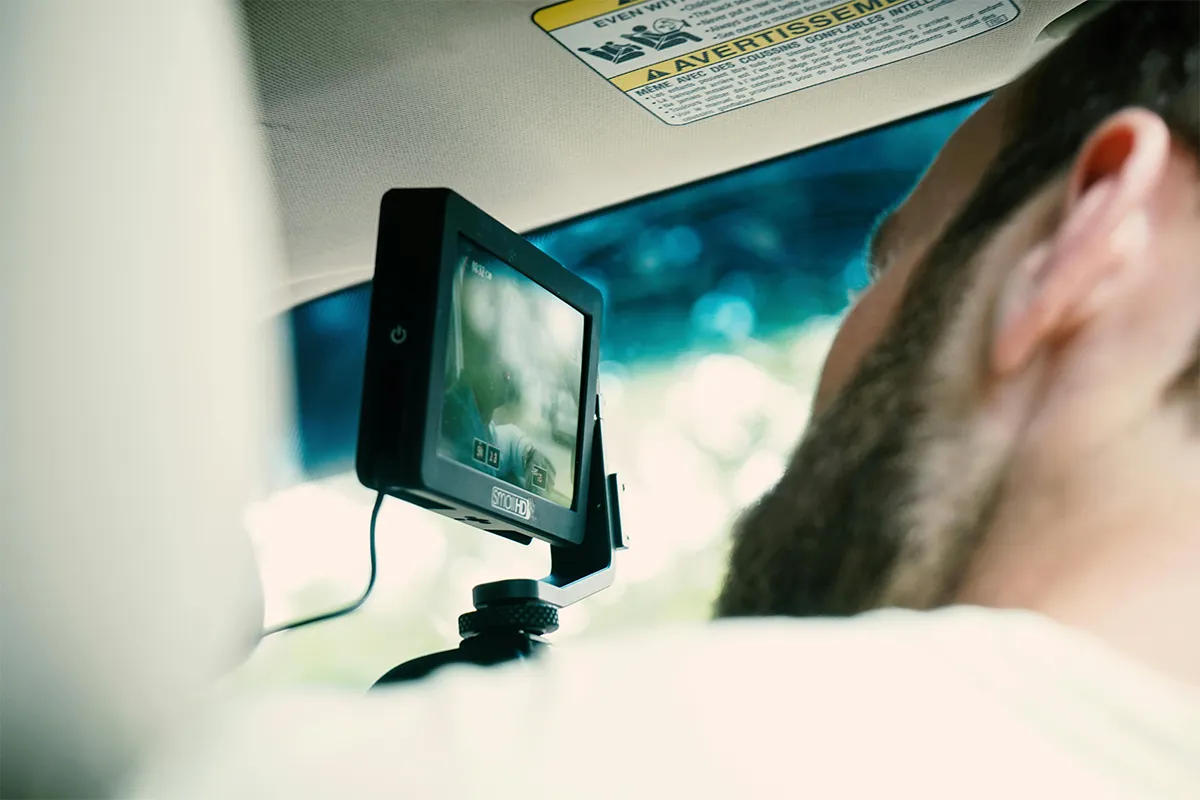
Safety is the number one priority of travellers and drivers. If you have not invested in advanced safety equipment, this could prove fatal and your last mistake. The TYPE S AI Series dash cams can fully take care of your safety while on the road. These dash cams are an effective way to ensure safety for long and short journeys.
Why is it important to install the AI-enabled dash cam? They are equipped with AI technology and state of the art features like real-time driver alerts (lane departure and forward collision warnings), automatic incident recording with G-sensor lock, clear night vision for low-light driving, and parking mode monitoring when the car is off.
What “AI Series” Means for TYPE S Dash Cams
In this lineup, “AI” mainly means smart warnings and smart event clips, which make the TYPE S AI recorder dash cams more intelligent and useful on the road. Instead of only recording video, the camera can watch for common road risks. A warning may sound if the system thinks you are too close to the car ahead. Another warning may show up if you drift toward a lane line. In the same way, a sudden bump can trigger a saved clip.
Even with AI, you still drive the car. The camera is only supported. A better setup can also make AI feel more accurate. A clean windshield, a steady mount, and the right angle can help the camera see the road clearly.
The Current TYPE S AI Dashcam Lineup in One View
Right now, TYPE S has four main AI Series models:
- T200 PLUS
- T400 PLUS
- T401
- T402
Two easy groups explain them:
- Full coverage, which means front and rear video
- Dual view, which means front and cabin video
From that point, the rest of the choice becomes clearer. Rear video helps show what happens behind you. Cabin video helps show what happens inside the car.
Quick Buying Guidance
Before you compare details, start with one question. What should the second camera record?
For rear proof, full coverage is the better path. A rear camera can help with rear hits, close tailgating, and sudden merges behind you. For that kind of coverage, the T200 PLUS and T400 PLUS are the main options.
For cabin proof, dual view is the better path. Cabin video can help with passenger trips, rideshare work, and inside the car problems. For that kind of coverage, the T401 and T402 are the main options.
After that, the front detail becomes the next choice. More detail can help when the road is wide, traffic is fast, or events happen far ahead. Still, even a sharp camera needs a good setup to look its best.
Set Up Basics That Improve Video Quality and AI Alerts
A good install can improve nearly everything, and for specialized uses like AI dash cams for construction vehicles, correct placement, a steadier mount, and clean wiring are especially important to ensure reliable monitoring and alerts.
To start well, follow these basics:
- Placement: High on the windshield is usually best. Near the center often gives the most balanced view.
- Angle: Aim the lens so it sees the road ahead clearly. Too much sky can waste space. Too many dashboards can cause reflections.
- Wiring: Tuck the cable along the headliner and down the side trim. Keep it neat so it does not pull on the camera. Stay away from airbag zones.
- Test drive: Take a short drive in daylight, then a short drive at night. Watch a few clips. Check for blur, glare, and shake.
Parked recording is also important for many drivers. For stronger parked coverage, plan for parking surveillance mode when hardwired so the camera can keep watching when the car is off.
App Connection in Plain Steps
Setting up AI dash cams with mobile apps can feel tricky for many first-time users, but following a simple order of steps makes the process easier and more reliable.
First, power on the camera and let it finish starting up. Next, open your phone’s Wi-Fi settings and join the camera Wi-Fi network. Then open the app and select the dash cam. After that, check the live view before changing many settings.
Sometimes the phone switches back to another saved network by itself. That breaks the link. During setup, turning off auto-join for other networks can help a lot. With that small change, connecting the TYPE S Drive app becomes much smoother.
Model Reviews: What Each One Is Best For
Before you pick a model, it helps to know what each one is made to do, as AI dash cams for car safety provide reliable recording and alerts to protect both the driver and passengers. Some models are better for front and rear proof. Other models are better for front and cabin proof. In the next parts, you will see each TYPE S AI Series model on its own, with simple notes on who it fits best and why.
1. T200 PLUS: Full Coverage With 2K Front Recording
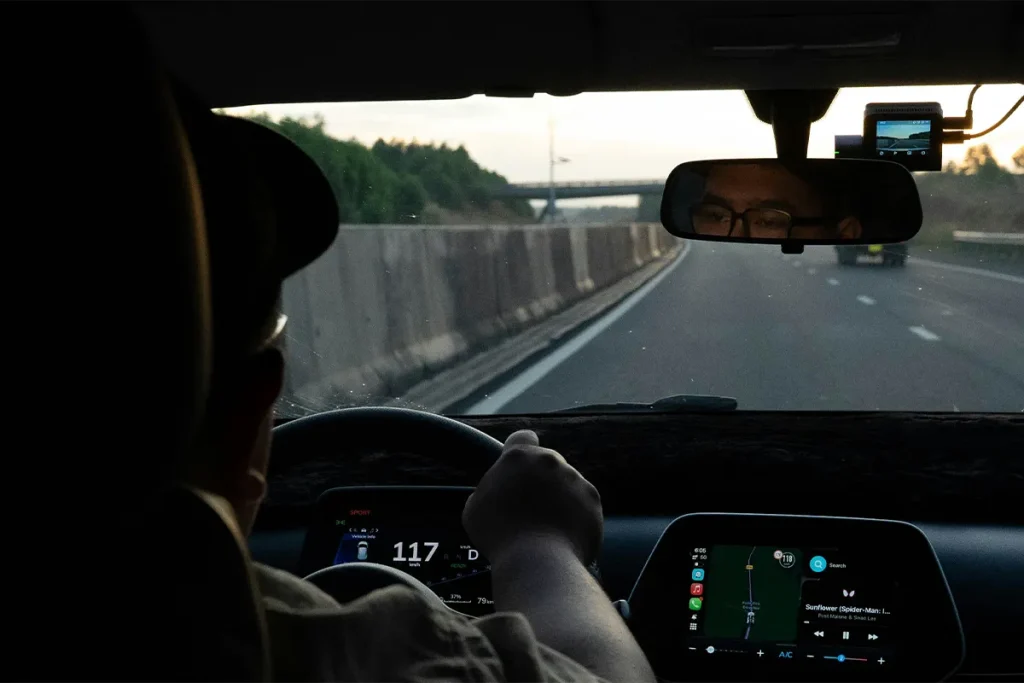
For daily driving, the T200 PLUS can feel like the steady choice. Front and rear video gives a fuller story when something goes wrong. A rear clip can show a rear hit, a close follower, or a fast merge behind your car. A front clip can show the light, the lane, and the car ahead.
A balanced system like this can suit many drivers who want solid proof without chasing the greatest front detail. In many real cases, the angle matters more than the resolution. A well-placed 2K camera can look very clear when the glass is clean and the mount is stable.
A firm mount can also help with impact clips. When the camera does not bounce, the event trigger can be more consistent. That makes smart incident recording with G-sensor feel more dependable, and using AI-powered dashcams further enhances reliability and ensures important events are captured accurately on bumpy roads.
Pros:
- 2K front, 1080p rear
- Seven AI driver assistance alerts
- Includes 64GB MicroSD card
- Front and rear collision warnings
Cons:
- Not true 4K front
- A rear camera is needed for all AI
- Parking features need hard-wired power
- No cabin camera for rideshare
2. T400 PLUS: Full Coverage With 4K Front Recording
More front detail is the main reason drivers look at the T400 PLUS. With a sharper front picture, small details can become easier to see, especially in daylight. Long highway drives can also benefit from clearer distant views.
Even so, setup still matters. Glare at night can hide details, and a dirty windshield can soften the picture. A clean lens and a good angle can improve the result more than many people expect.
For buyers who care most about front detail, the T400 PLUS 4K front camera dash cam is often the exact match. In that case, pay extra attention to camera height and tilt. A small tilt change can reduce dashboard reflection and improve the road view.
Pros:
- True 4K front video
- 1080p rear camera included
- Includes 64GB MicroSD card
- Integrated GPS route tracking
Cons:
- Higher price than T200 PLUS
- Larger files fill cards faster
- No cabin-facing interior recording
- Parking surveillance needs hard-wired power
3. T401: Dual View With Cabin Recording
Cabin video changes the kind of proof you get. Instead of showing the rear of the car, the second camera shows the inside. That can help if a problem happens with a passenger. It can also help if you want a record of what was said or done in the cabin.
Rideshare drivers often prefer cabin coverage for clear reasons. Cabin clips can add context that a front-only camera cannot show. At the same time, you should think about privacy and local rules before you record inside the car.
For a rideshare-focused choice, the T401 dual-view dash cam for rideshare is a common fit. To get the best cabin view, aim the interior lens toward the seats, not toward the dashboard. Also, check night clips so faces and movement look clear.
Pros:
- 4K front plus cabin video
- Infrared cabin night vision
- Includes 32GB MicroSD card
- Supercapacitor handles heat better
Cons:
- No rear camera coverage
- Smaller 2.4-inch screen for quick playback
- Parking mode needs hard-wired power
- Cabin recording may raise privacy concerns
4. T402: Dual View With Adaptive Features
Like the T401, the T402 records the front and the cabin. Many drivers look at it when they want a dual-view camera that feels stable over time. The goal is simple: keep alerts consistent and keep the video clear.
A careful install helps this model shine. Off-center mounting can make lane alerts feel odd. A loose mount can add shake and blur. With a firm mount and a clean angle, the camera can see the road more clearly.
For buyers who want a more advanced dual-view option, the T402 adaptive AI driver assistance dash cam is often the match. A calm first test drive helps, too. After a short drive, you can adjust sensitivity so alerts feel helpful, not noisy.
Pros:
- 4K front, 1080p cabin
- Adaptive AI learns as you drive
- Automatic calibration reduces manual setup
- Includes 32GB MicroSD card
Cons:
- No rear camera coverage
- Smaller 32GB card fills fast
- Parking monitoring needs hard-wired power
- 2.4GHz Wi-Fi-only connection
How to Choose the Right Model for Your Driving Style
Two small questions can guide the whole decision.
First, which view matters most: rear or cabin?
- Rear view points you toward full coverage.
- Cabin views you toward a dual view.
Second, how much front detail do you want?
- A balanced front view can be enough for many drivers.
- A sharper front view can help when you want clearer distant details.
From there, the lineup becomes easy to map:
- T200 PLUS: Full coverage with a balanced approach
- T400 PLUS: Full coverage with greater front detail
- T401: Dual view for cabin recording
- T402: Dual view with a more advanced alert approach
After you install the camera, the next step is tuning warnings. On a real drive, check whether the alerts feel early, late, or too frequent. Then adjust the lane departure warning dash cam settings so the camera supports you without being distracting.
Key Settings to Check After Installation
A few settings matter right away. Getting them correct can prevent problems later.
Time and date should be correct. Accurate time helps when you share a video with insurance or police. Video quality should match your storage. Loop recording should be on, so the camera keeps recording without stopping. Audio settings should match your needs and your local rules. Sensitivity should start in the middle, then change after a test drive.
Parking settings need special attention. If you want the camera to record when parked, power is often the deciding factor. A hardwire kit for dash cam parking mode can make parked recording more reliable than a simple plug-in power method, depending on your car and your use.
MicroSD Card and Storage Tips
A dash cam is only as reliable as its storage, and using proper AI dash cam service kits can help maintain performance, prevent skipped clips, and extend the life of your equipment.
For better results, use a high-endurance card from a known brand. Format the card on a schedule, such as once a month, if the camera supports it. Replace the card after long, heavy use, especially in heat.
When choosing capacity, think about drive time and camera mode. Longer drives need more space. Dual-view recording needs more space, too. That is why the best microSD card size for dash cams depends on how long you drive each day and whether you use parked recording.
Common Troubleshooting Issues
Small setup problems can happen, even when the camera is good. A simple fix is often all you need. In this section, you will see the most common issues people face and the easiest steps that can help you get things working again.
- Wi-Fi will not connect: Start in your phone’s Wi-Fi settings, then join the camera network. After that, open the app. If the phone keeps switching, turn off auto-join for other networks during setup.
- Night glare looks too strong: Clean the windshield inside and out. Then tilt the camera slightly down. Try to keep bright cabin lights low at night, especially with dual-view models.
- Too many warnings appear: Lower sensitivity a little. Check the mount too. A centered, steady mount often improves alert accuracy.
- Parking recording does not start: Parked features often depend on steady power. If you want strong parked coverage, combine correct wiring with parking surveillance mode when hardwired and test it after the install.
Comparison Table: Type S AI Series Dash Cams
| Model | Coverage | Video resolution | Included MicroSD | AI alerts (high level) | GPS | Parking recording (hardwired) | Best for |
|---|---|---|---|---|---|---|---|
| T200 PLUS | Front + rear | Front 2K (1440p), rear 1080p | 64GB (U3 Class 10) | Forward collision, rear collision, lane departure, pedestrian, blind spot, Stop and Go | Listed (GPS tracking) | Yes (parking surveillance mode) | Solid value for front + rear coverage |
| T400 PLUS | Front + rear | Front 4K, rear 1080p | 64GB (U3 Class 10) | Forward collision, rear collision, lane departure, pedestrian, blind spot, Stop and Go | Listed (integrated GPS tracking) | Yes (Park and Record mode) | Sharper front detail (4K) with rear coverage |
| T401 | Front + interior | Front 4K, interior 1080p (IR night vision) | 32GB (factory-installed, replaceable) | Forward collision, lane departure, pedestrian collision, Stop and Go | Listed (GPS map integration) | Yes (parking surveillance mode) | Rideshare or cabin coverage with night vision |
| T402 | Front + interior | Front 4K, interior 1080p | 32GB (factory-installed, replaceable) | Lane, collision, and pedestrian alerts (real-time alerts) | Not listed on the product page | Yes (24/7 monitoring) | Daily driving or rideshare, simpler learning setup |
Conclusion
One clear choice makes this lineup easy. Decide what the second camera should record. Full coverage gives rear proof. Dual view gives cabin proof.
Next, choose the level of front detail that fits your driving. One comprehensive overview highlights the broader role of dashcams in vehicle safety and evidence recording, including how onboard video sensors gather data that can support understanding road incidents. For many drivers, the T200 PLUS is enough for daily proof. For drivers who want more front detail, the T400 PLUS can be the better fit. For cabin coverage, the T401 and T402 are the natural picks.
With any model, careful setup brings better results. A steady mount, clean glass, and a short test drive can improve video and alerts right away. After that, small tuning changes can help you get the calm, reliable support you want from a dash cam.