
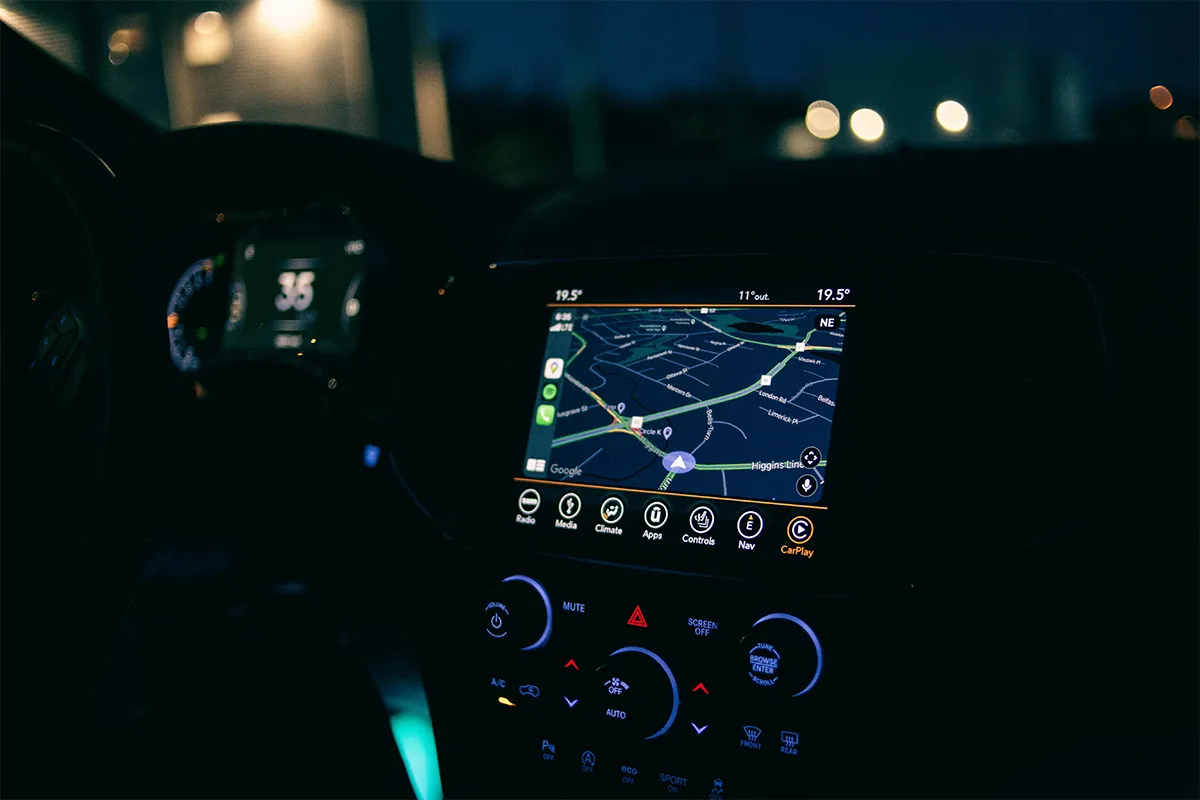
Safety and security are one of the main issues that every fleet and logistics company faces from time to time. There are not many AI dash cam options available when it comes to fulfilling the security and safety criteria. The MasTrack 4G AI dash can review highlights of all the key features that this device offers. It also lets you learn in what ways this device is useful and different from other limited options available in the market.
The MasTrack 4G AI dashcam is one of the reliable options with state-of-the-art AI features. Additionally, the 4G connectivity and the GPS tracking make it the most trusted and compatible dash cam that stands out. It is like an all-in-one dashcam to cater to the safety and security of your vehicles. Let’s take a look at how the MasTrack dashcams help you watch the fleet live on your mobile, save footage on cloud storage, and take advantage of AI driver monitoring.
What Is the MasTrack 4G AI Dash Cam?
MasTrack is a company in the United States. They make products that help people track their cars and manage vehicles for their businesses. This camera is their most advanced product. It is a 4G LTE-connected dash camera with AI driver monitoring. This means it uses a mobile internet connection, the same type your phone uses, to stay online all the time.
It works for personal cars and also for small business owners who have a few work vehicles. It comes in three versions. The basic version has 3 cameras. The next version has 4 cameras. The biggest version has up to 7 cameras and covers all sides of the vehicle. All three versions connect to the internet, track the car’s location, and use AI to monitor the driver.
Key Features at a Glance
Most dash cams only do one thing. This camera does several things at once, which means you do not have to buy separate devices for each job. Before we go deeper, here is a quick look at what you get with every version of this camera.
- Video Resolution: The camera records with 1080p HD resolution with wide-angle lens coverage. HD means the video is clear and sharp, not blurry. The wide-angle lens means the camera can see a very wide area, not just what is directly in front of it, but also the sides of the road.
- Built-in 4G LTE Connectivity: The built-in 4G LTE modem for live vehicle monitoring means the camera has its own internet connection built inside it. You do not need to connect it to your phone or your home Wi-Fi. It comes with a SIM card already inside, just like a mobile phone.
- Local Storage: The camera has two slots for memory cards. Together they hold up to 256 GB of video, which is enough for one to two months of normal daily driving. When the cards are full, the camera automatically deletes the oldest videos to make room for new ones.
- GPS Tracking: GPS is a system that shows you exactly where something is on a map. This camera has GPS built in, so you can always see where your car is on your phone without buying a separate tracking device.
- Multi-Channel Options: The word “channel” here means one camera input. So a 4-channel version means you can connect up to 4 cameras to one device. This lets you see the front, back, inside, and sides of the car all at once.
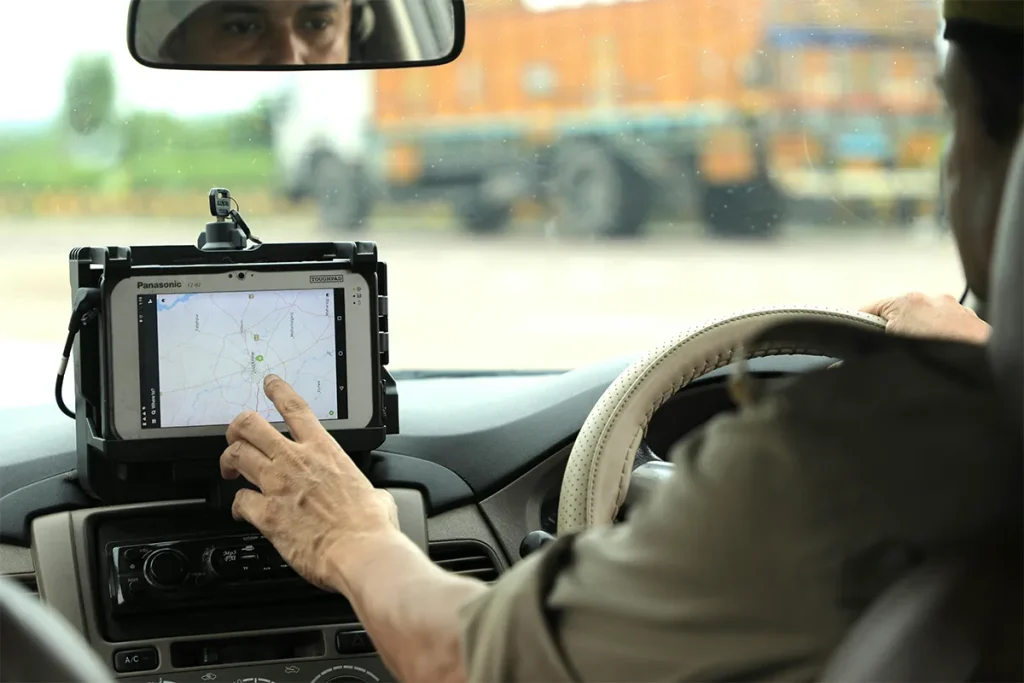
Having all of these features in one device is very convenient. You install one camera, use one app on your phone, and see everything from one place. For a small business owner with two or three vehicles, this saves a lot of time and money compared to buying separate products for each job.
AI Safety Features: What Does the Camera Actually Detect?
AI stands for artificial intelligence. It is a computer program that can learn to recognize things, like a driver’s face, a car stopping suddenly, or a person walking into the road. The AI-powered distracted driving detection system in this camera watches the driver and the road the whole time the car is moving. If something looks dangerous, it sends a warning right away, not after the trip ends, but in that exact moment.
- Distracted Driving Detection: The camera has a lens pointed at the driver’s face. If the driver picks up a phone, does not wear a seatbelt, or looks away from the road for too long, the camera sends an alert immediately to whoever is monitoring the vehicle.
- Collision Warning: The real-time collision warning system for fleet drivers works by watching the road ahead through the front lens. If another car gets too close, or if a person walks into the road suddenly, the camera gives the driver an audio warning before anything bad happens.
- Aggressive Driving Alerts: This means the camera notices when a driver brakes too hard, speeds up too fast, or turns the steering wheel sharply. All of these actions are saved as separate events that you can review later in the app.
- Speed Limit Monitoring: The camera knows what the speed limit is on the road the car is traveling on. If the driver goes faster than that limit, the camera can send you a notification on your phone right away.
- Footage Categorization: After the camera records an event, it puts it into a category automatically, for example, “hard braking” or “phone use.” This way, if you want to find a specific moment, you do not have to watch hours of video to find it.
All of these features make this a capable AI dash cam for fleet safety, meaning you do not have to wait until after an accident to find out what happened. You get warnings as the dangerous moment is happening. For a parent whose child just started driving, or a business owner with delivery drivers on the road all day, that kind of real-time information changes everything.
Installation and Setup
Installing this camera is simple. You have two ways to do it. The first way is to connect three wires from the camera to the car’s power supply; this is the more permanent option. The second and easier way is the plug-and-play OBD dash cam installation without hardwiring. OBD stands for On-Board Diagnostics. It is a small port found under the dashboard in almost every car made after 1996.
You simply plug a small adapter into that port, connect it to the camera, and you are done. No cutting wires, no calling a technician, no special tools. Once it is plugged in, the camera starts working automatically every time you start the car. When you turn the car off, the camera turns off too. This means it will never drain your car battery while the car is parked. There is also a standby option if you want the camera to keep watching the parked car even after you turn the engine off.
Live View and Remote Monitoring
Live view means you can watch the camera’s video on your phone right now, at this moment, from anywhere. You open the MasTrack app, tap once, and you can see exactly what is happening inside and outside the car in real time. This is very different from a regular dash cam, where you can only see the video after you take the memory card out and plug it into a computer.
As a remote live video streaming dash cam for small businesses, this camera solves a very common problem. Imagine one of your drivers is late and not answering the phone. Instead of guessing what happened, you open the app and check the live feed in seconds. If there has been an accident, the video is already saved online, in the cloud, which means on the internet, so you can watch it from your phone immediately. You do not need to go to the car or touch the memory card.
The camera also sends a notification to your phone when it detects a sudden impact or when the car moves into or out of a specific area. For example, you can mark your city on the map as the allowed zone. If the car leaves that zone, you get a notification on your phone straight away.
Video Quality and Night Performance
During the day, the video from this camera is clear and easy to watch. You can read car number plates, see traffic signs, and clearly tell what is happening on the road. The wide-angle lens shows a broad view without making things look too distorted at the edges.
The camera records in 1080p HD quality, which is the same quality as most online videos you watch every day. It is not the highest quality available, but it is more than good enough for everyday driving situations. At night, on a normal city street with streetlights, the 1080p HD dash cam with wide-angle night recording works well and gives you clear enough footage.
On a very dark road with no lights at all, the video gets harder to see clearly. This camera does not have a special night vision feature, so very dark conditions are where it performs the least well. If you mostly drive in towns and cities, this will rarely be a problem for you.
The Monthly Subscription: Is It Worth Paying?
The monthly subscription plan for GPS and live view access costs $39.99 per month. Think of it like a phone plan. Without the plan, the camera still records video to the memory card, just like a basic dash cam. But without the plan, you cannot see the live video on your phone, you cannot track the car’s location, you cannot receive alerts, and the video is not saved online. The plan unlocks all of the most useful features. Whether it is worth paying depends completely on how you use the camera.
- For Personal Everyday Use: If you only want a camera to record in case of an accident, do not pay $39.99 per month. A basic dash cam with a one-time cost will do that job. The subscription is not necessary for this.
- For Parents Monitoring Teen Drivers: The AI dash cam with geofencing and speed alerts for parents is absolutely worth the monthly cost. You can see where your child is, how fast they are driving, and get a notification if they drive into an area you have not approved.
- For Small Business Fleets: The fleet AI dash cam with GPS tracking and AI alerts subscription is a smart business expense. One incident where you can show video proof that your driver was not at fault can save you thousands of dollars in insurance or legal costs.
- For International Use: The camera works in 192 countries and territories because it uses the same mobile networks that regular phones use around the world. If your vehicles travel across countries, this is a very practical advantage.
- For Cloud Backup: If the camera is stolen or broken in an accident, all the video on the memory card is lost. But with the subscription, the most important videos are already saved online before that happens. You can still access them from your phone even if the camera is gone.
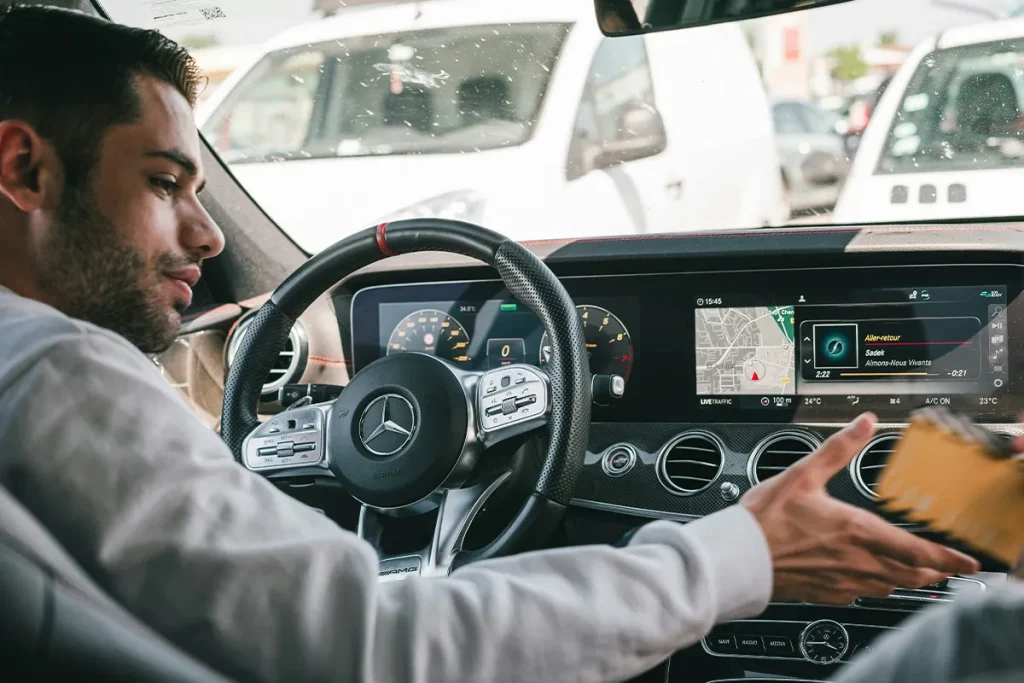
At $39.99 per month, the cost over a full year is around $480. That is a real amount of money. But for a parent who wants to keep a new driver safe, or a small business owner who needs to protect their vehicles and drivers, the monthly fee gives you tools that a simple camera simply cannot offer.
Comparison Table: MasTrack 4G AI Dash Cam Review
| Feature | 3-Channel Model | 4-Channel Model | 360° Bundle (7-Channel) |
|---|---|---|---|
| Number of Cameras | 3 | 4 | Up to 7 |
| Video Quality | 1080p HD | 1080p HD | 1080p HD |
| Road-Facing Lens Angle | 143° | 143° | 143° |
| Interior-Facing Lens Angle | 170° | 170° | 170° |
| Side Cameras | No | No | Yes (2 side cameras) |
| Rear Camera | No | No | Yes (with night vision) |
| SD Card Slots | 2 | 2 | 2 |
| Total Local Storage | Up to 256 GB | Up to 256 GB | Up to 256 GB |
| Built-in 4G LTE | Yes | Yes | Yes |
| SIM Card Included | Yes | Yes | Yes |
| Built-in GPS | Yes | Yes | Yes |
| AI Driver Monitoring | Yes | Yes | Yes |
| Wi-Fi Hotspot Option | Yes | Yes | Yes |
| OBD Installation Option | Yes | Yes | Yes |
| Monthly Subscription | $39.99/month | $39.99/month | $39.99/month |
| Best For | Personal cars, small families | Small fleets, business owners | Full fleet coverage, maximum visibility |
Conclusion
This MasTrack 4G AI dash cam review is straightforward. If you want to watch your vehicle live, track its location, and get safety warnings in real time, this camera does all of that very well in one device. If you only want basic video recording, it is more than you need, and the monthly cost will feel like a waste.
The video quality is good, but not the best available. Research shows that AI driver monitoring systems using camera-based detection can effectively reduce risky driving behaviors by alerting drivers in real time before a safety-critical event occurs. The $39.99 monthly fee is the biggest decision you have to make. For parents keeping an eye on a young driver, and for small business owners managing work vehicles, that fee buys you something genuinely useful. For everyone else, a simpler and cheaper camera will do the job just fine.