
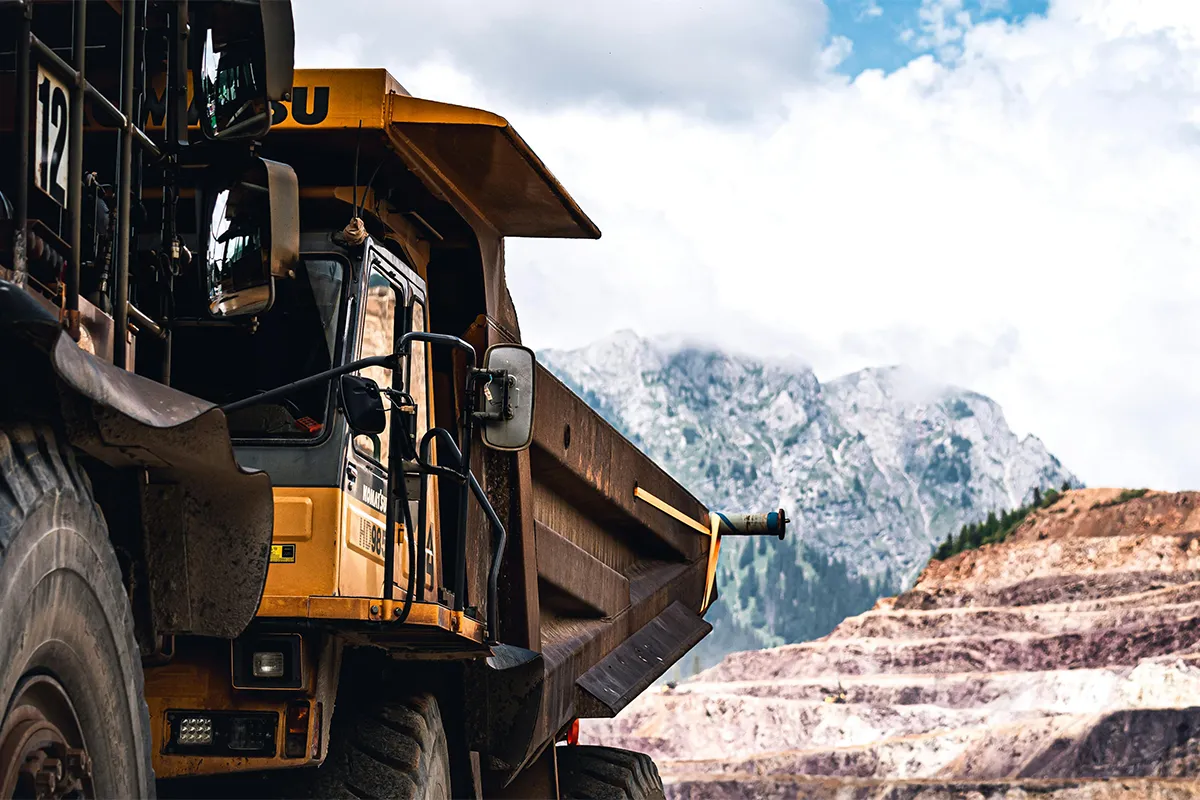
Busy roads can be way more dangerous than you think. The old dash cams are not truly equipped with the latest technology to get you covered. Here arises a question: which AI dash cam is best for heavy equipment? If you are a trucker who travels a lot on highways and is looking for the latest AI dash cams, you have landed on the right page.
The latest AI dash cams have changed the game. They can now recognize the traffic objects easily and send you timely alerts to make your long journeys sound and safe. The key AI and machine learning features like low-speed ADAS alerts, 360-degree coverage, IR or HDR night vision, Edge AI, and rugged IP67 design make them the most important upgrade in your heavy vehicle equipment tool kit!
Quick Answer
Every crew deserves a direct path from research to action. After checking rugged build, slow-speed alert quality, and cloud tools, one system fits harsh sites best. The same platform also scales across many machine types, which keeps training simple. Use the summary below to move forward with confidence.
- Best Overall: Motive AI Omnicam with Motive AI Dash Cam: Pairing a 360 view with a strong front view reduces blind spots and prevents near misses in tight zones.
- Why It Wins: Tough parts, steady cloud uptime, and accurate detections support heavy equipment video safety in mud, dust, and rain.
- Ideal Use Cases: Mixed construction fleets, mining and aggregates, utilities, and rentals that need a clean construction fleet camera system across many cabs.
- Next Step: Run a two-week pilot on one loader and one dozer. Use real clips to tune rules and build a repeatable cloud video fleet review process.
A single winner helps managers align safety, training, and budgets. One portal keeps footage, alerts, and health checks in the same place. Reviews happen faster, and coaching stays consistent. Slow, tight moves get the focus they need on every shift.

How We Selected the Winner
Job sites are rough on gear. Machines shake, grit blows, and lights glare at night. Many cameras struggle here, so we looked for a system that stays clear, stays steady, and keeps work simple. The points below guided the choice and matched daily risks in pits and yards. AI-powered dashcams combine on-device detection with cloud review to cut blind spots and speed incident checks.
- Ingress Protection: An IP67 rugged dash camera resists water, dust, and washdowns during storms and cleanup.
- Vibration Resistance: Mounts and enclosures must hold firm on tracks, haul roads, and uneven ground without drift.
- Low-Speed Tuning: Reliable low-speed ADAS alerts cut false beeps during tight turns, slow backing, and crowded zones.
- Night Performance: A night vision job site camera keeps detail after sunset and inside dim tunnels or sheds.
- 360 Coverage Options: Surround views reduce blind spots near blades, buckets, booms, and counterweights.
- Cloud Reliability: Stable uploads and quick search save precious time when supervisors need proof.
- Edge AI Accuracy: Strong edge AI incident detection handles dust, rain, and glare while avoiding frequent misreads.
- Installation Flexibility: Clean mounting on dozers, loaders, graders, cranes, and an AI dash cam for excavators.
- Privacy Controls: Clear rules for access, retention windows, and download permissions.
- Warranty and Support: Fast swaps and helpful support when a device fails during peak work.
These factors reflect how incidents happen and how teams learn from them. A camera that meets these needs lowers downtime, improves coaching, and raises confidence. Budgets go further because gains appear early in fewer incidents and faster reviews.
The Winner: Motive AI Omnicam with Motive AI Dash Cam
Safer moves come from wide views and smart alerts. Motive blends a 360 surround unit with a forward AI dash cam, so operators see more and supervisors coach faster. Hardware stands up to shock and dust. The cloud keeps clips easy to find and share. Dashcams with contextual AI understanding adjust alerts to speed, surroundings, and machine tasks, cutting false beeps and surfacing real hazards. The highlights below explain the win for mixed fleets.
- Ruggedized Build: IP-rated housings and tight mounts protect optics and boards from shock, heat, and airborne grit.
- 360 Awareness: The surround unit trims side and rear blind spots, which matter most with a 360 camera for a bulldozer or loader in tight zones.
- Low-Speed ADAS: Models track people and gear at crawl speed with steady, low-speed ADAS alerts that do not flood crews with noise.
- Night Vision: HDR and infrared support help the night vision job site camera keep detail after dark or under work lights.
- Cloud Workflows: Tagged events and quick search power fast cloud video fleet review and targeted coaching.
- Unified Management: One portal controls devices, health checks, retention rules, and roles across the fleet.
One platform fits off-road machines and on-road support trucks, so training and support stay consistent. Operators learn one pattern for all cabs. Supervisors use one set of menus for every review. When rentals rotate in, your policy and training still fit. As weeks pass, near misses drop and reviews close sooner.
Installation and Rollout Tips
Strong gear still needs a strong start. Clean routing, careful mount points, and clear rules make alerts useful instead of noisy. Begin small, learn from clips, and then scale with confidence. An AI mobile application with voice assistance lets operators tag events hands-free and request clips without leaving the cab. The steps here make the first two weeks smooth and set a steady tone for the fleet.
- Standardize Mounts: Place cameras the same way by machine family, so views stay familiar and checks go faster.
- Protect Harnesses: Keep cables away from pinch points and heat; use sleeves and firm anchors on an AI dash cam for excavators and loaders.
- Calibrate and Validate: Align fields of view, confirm 360 stitching, and test low-speed alerts in a safe zone before full use.
- Tune Alerts by Zone: Set lower sensitivity in tight yards and different rules on short public-road links to reduce fatigue.
- Define Retention Rules: Decide who can view and download video, and document timelines for reviews.
- Train With Clips: Share near misses from your construction fleet camera system to teach clear habits and celebrate wins.
- Monitor Device Health: Check signal, firmware, and cloud storage weekly in the portal to avoid silent failures.
- Run Weekly Stand-Ups: Review a few events, agree on one small fix, and track progress openly.
AI agents can summarize clips, assign follow-ups, and remind teams about overdue reviews. This plan builds trust across crews. Operators see how alerts help them. Leads get proof in minutes, not hours. Over time, teams talk about better choices, not just warnings.
Pros and Cons: Motive AI Omnicam with Motive AI Dash Cam
Pros:
- A 360-degree view reduces blind spots.
- AI flags 15 plus risks.
- Engine-off recording protects evidence.
- Unified timeline speeds reviews.
- Cloud tools and instant alerts.
Cons:
- Premium cost for full kit.
- Best with steady connectivity.
- Pro install is often recommended.
- More parts mean more upkeep.
- Small learning curve for users.
Top Alternatives
Some fleets want deeper telematics links, a different analytics style, or pricing that fits seasonal work. Short trials help you compare in real conditions. Try each option on your roughest route or tightest yard. The choices below appear often in heavy-duty reviews.
- Samsara: Strong telematics tie-ins, clean screens, and solid device health tools. Some 360 sets need special kits, and bundles shape price and features.
- Netradyne: Deep vision analytics and coaching support. Pricing skews premium, and rare cab layouts may need careful mounting plans.
- Lytx: Proven video safety and policy workflows at scale. Certain features sit behind plan levels, and off-road brackets may require extra sourcing.
When testing a runner-up, check night clips and cable paths on your harshest machines. With contextual AI awareness, cameras adjust sensitivity to yard density and vehicle tasks, which reduces nuisance alerts during trials. If you use a mining haul truck dash cam, confirm brackets and vibration dampers before wider purchase. A short pilot reveals more truth than long spec sheets.
Comparison Table: AI Best Dash Cam for Heavy Equipment
| Model | Best For | Protection | Low-Speed ADAS | Night Vision | 360 Option | Cloud and Review | Typical Price |
|---|---|---|---|---|---|---|---|
| Motive AI Omnicam + AI Dash Cam | Mixed fleets, job-site work | IP-rated, vibration-resistant | Strong and tunable | Excellent, HDR or IR | Yes | Fast, searchable cloud video fleet review | Premium |
| Samsara | Telematics-centric fleets | IP-rated options | Strong | Very good | Varies by kit | Clean portal and device-health tools | Mid to premium |
| Netradyne | Analytics and coaching depth | IP-rated options | Advanced | Very good | Limited by setup | Coaching-focused workflows | Premium |
| Lytx | Large, policy-driven programs | IP-rated options | Mature | Very good | Varies by plan | Proven safety workflows | Mid to premium |
FAQs: Which AI Dash Cam is Best for Heavy Equipment?
Q1: Do AI dash cams work well as a night vision job site camera for yards and pits?
A: They do. Modern sensors and infrared provide clear detail in low light. This supports incident review, pedestrian safety, and careful backing after sunset. Mount height and angle should prevent glare from headlights and work lights.
Q2: What is the benefit of edge AI incident detection on off-road equipment?
A: Edge processing flags events right away and does not rely only on bandwidth. Timely alerts help at slow speeds. Evidence remains safe when the signal drops. False positives fall because models are tuned for dust, rain, and glare.
Q3: How do I deploy an AI dash cam for excavators without adding operator burden?
A: Choose vibration-resistant mounts away from boom pinch points. Protect cables with sleeves, and keep the placement the same across similar models. Run a two-week pilot on one excavator to collect clips, tune thresholds, and finalize training before scaling.
Q4: Which features matter most for a construction fleet camera system across mixed assets?
Seek rugged IP ratings, vibration resistance, reliable low-speed alerts, and one portal for devices, health, retention, and reviews. One workflow makes coaching faster and keeps proof organized across dozers, loaders, trucks, and cranes.
Q5: When should I choose a 360 camera for a bulldozer rather than a forward-only camera?
A: Bulldozers often work in tight zones with frequent backing and side interactions. A 360 setup reduces blind spots near the blade and counterweight, protects ground crews, and gives fuller context for training clips and review notes.
Conclusion
Your next step can be simple and clear. Request a demo of the Motive AI Omnicam with Motive AI Dash Cam, and view the feeds on your site. Begin with one loader and one dozer. Confirm mount spots, protect the cables, and collect two weeks of clips in sun, rain, and low light. Use those clips to measure night clarity, low-speed ADAS alerts, and search time in the portal with your safety team. For background on backing risks and controls in work zones, see this guide.
Scale up with a one-page plan that everyone can follow. Standardize mounts by machine family, set alert rules for yards, pits, and short public-road links, and define who can view and download video. Train supervisors using the best pilot clips, schedule short weekly reviews, and roll out in stages. With one platform in place, you raise visibility, cut review time, and build safer habits across every project.